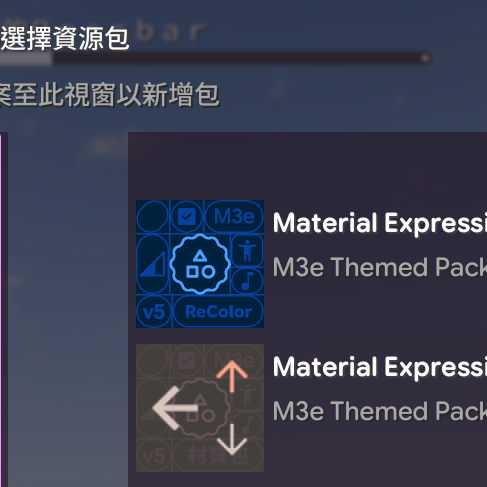
Material Expressive

v5 · 適用於 Minecraft 1.20.2~26.x · By IceCoolBW

v5 · For Minecraft 1.20.2~26.x · By IceCoolBW

download 下載 Download

stars
主要功能 Features

brush
Material 3 Expressive 設計 Material 3 Expressive Design

本材質包的核心靈感源自 Google 最新的 Material 3 Expressive 設計語言。我們將其圓潤的邊角、動態的形狀與充滿活力的風格帶入遊戲中。

Inspired by Google's latest Material 3 Expressive design. We bring rounded corners, dynamic shapes, and vibrant styles into the game.

palette
Material You 色彩配置 Material You Colors

告別一成不變的灰色介面!本材質包採用 Material You 的動態色彩。

Say goodbye to gray interfaces! This pack uses dynamic Material You colors to bring life to your UI.

dashboard
現代化的介面 Modernized Interface

我們對整個使用者介面進行了全面的現代化改造。從物品欄到設定選單,每一個畫面都經過精心重製,變得更加直觀、乾淨且易於使用。

We have modernized the entire UI. From inventory to settings, every screen is redesigned to be intuitive, clean, and easy to use.

hd
高解析度支援 High Resolution Support

為了配合當今的顯示設備,本材質包完整支援高解析度。無論是圖示、字體還是介面元素,都以清晰銳利的樣貌呈現。

Full support for high resolutions. Icons, fonts, and UI elements are crisp and sharp on any display.

call_to_action
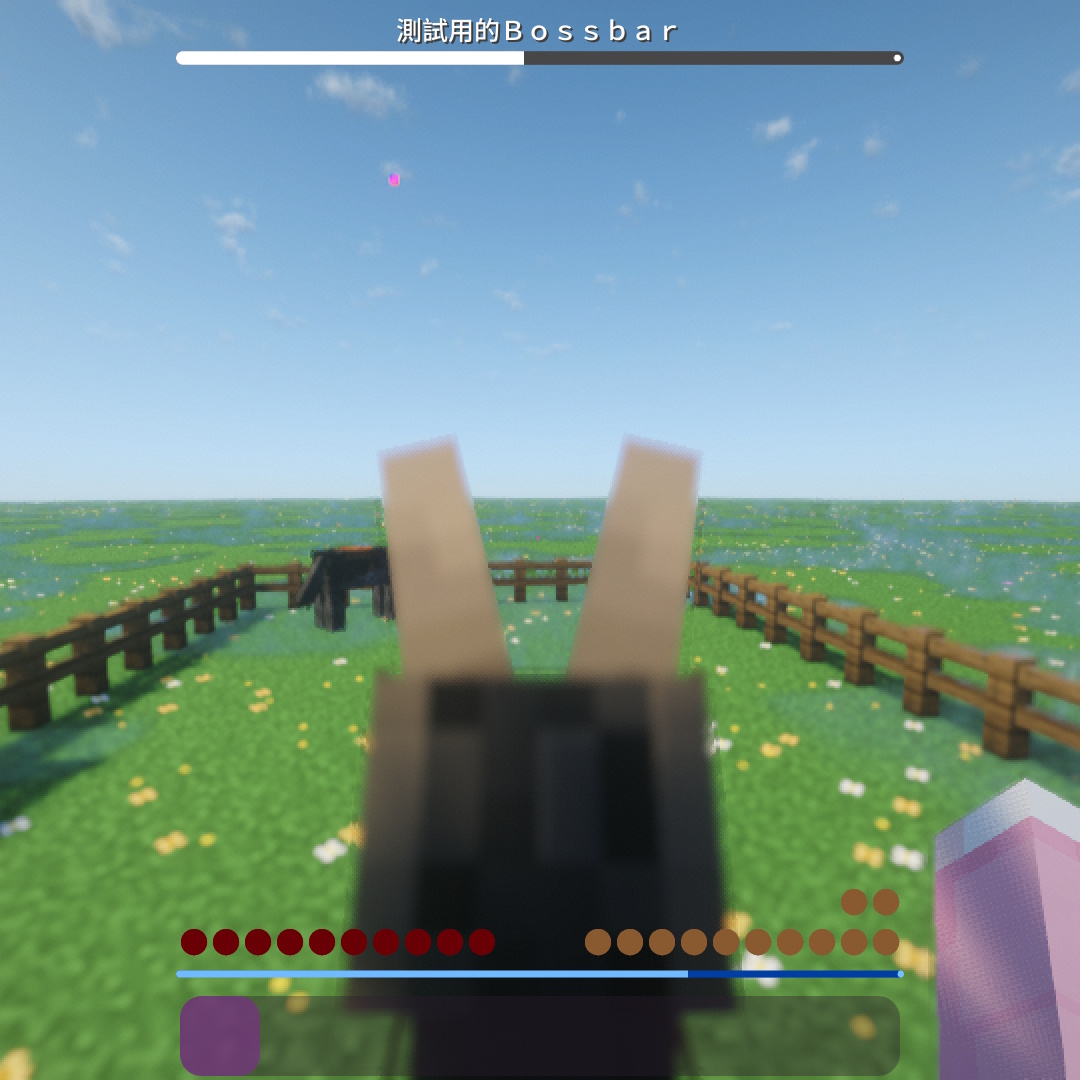
更專注的快捷欄 Focused Hotbar

遊戲中的體驗也得到了優化。我們重新設計了快捷欄(Hotbar),移除了不必要的視覺干擾,使其外觀更為簡潔。

The Hotbar has been redesigned to remove unnecessary visual distractions, allowing you to focus on the game.

center_focus_strong
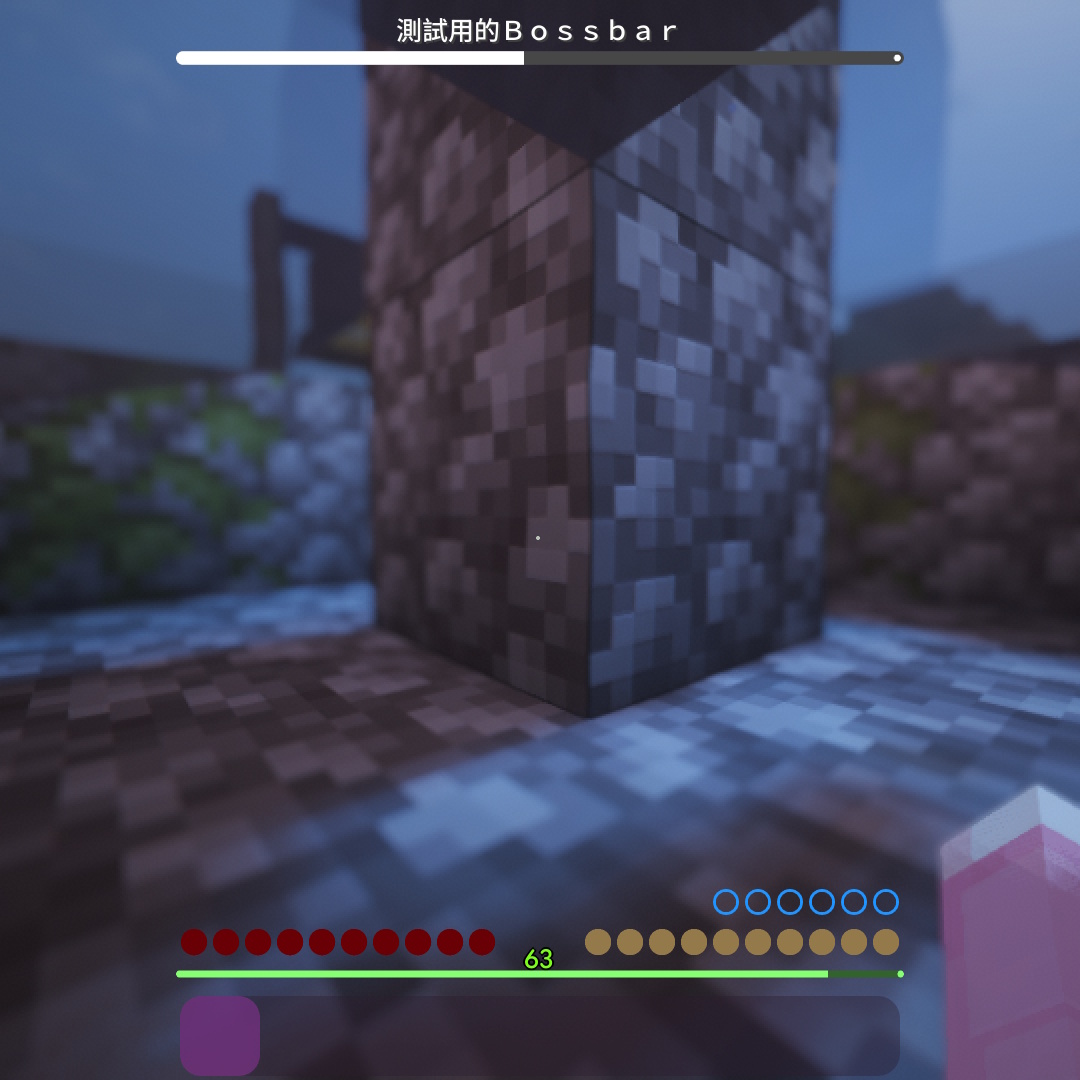
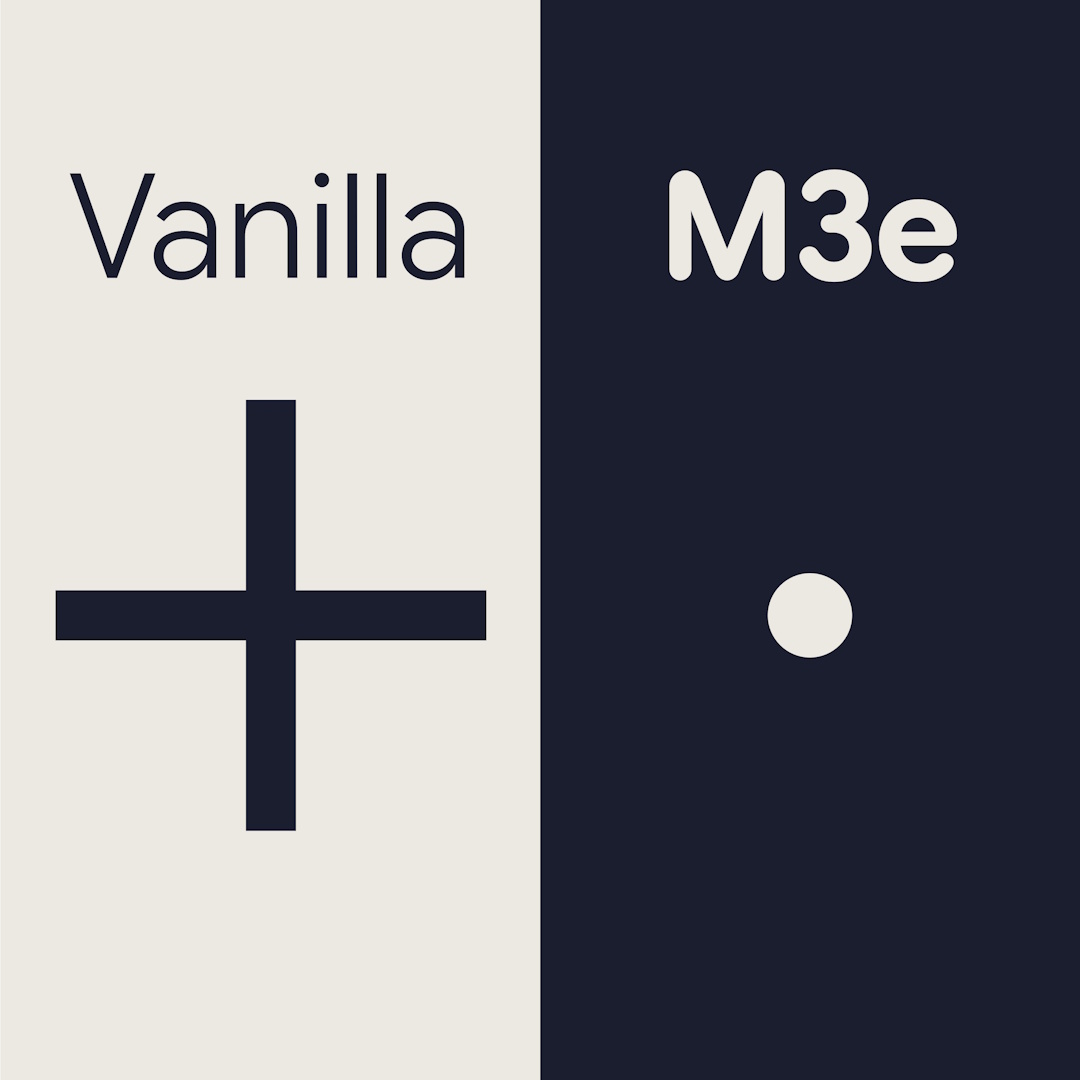
更簡潔的準星 Simple Crosshair

我們將其設計成點狀,既能提供精準的瞄準點,又不會過度遮擋您前方的視野,特別適合在 PvP 或射箭時使用。

Designed as a minimal dot for precise aiming without obstructing your view, perfect for PvP.

update
更改內容 Changelog

1.20.2後,Minecraft對UI進行了重構,所有含有多個部件貼圖的GUI紋理現在都被拆分為單獨的貼圖 ,這導致了在之前的材質包幾乎不可用 (包括Material UI v3的1.20.1版本),所以才會有這次的大更新,這不只是重構的相容,同時也是大翻新。

After 1.20.2, Minecraft refactored the UI. All GUI textures are now split into separate sprites. This caused previous packs to break. This update is not just a compatibility fix, but a complete overhaul.

更多關於1.20.2 More about 1.20.2

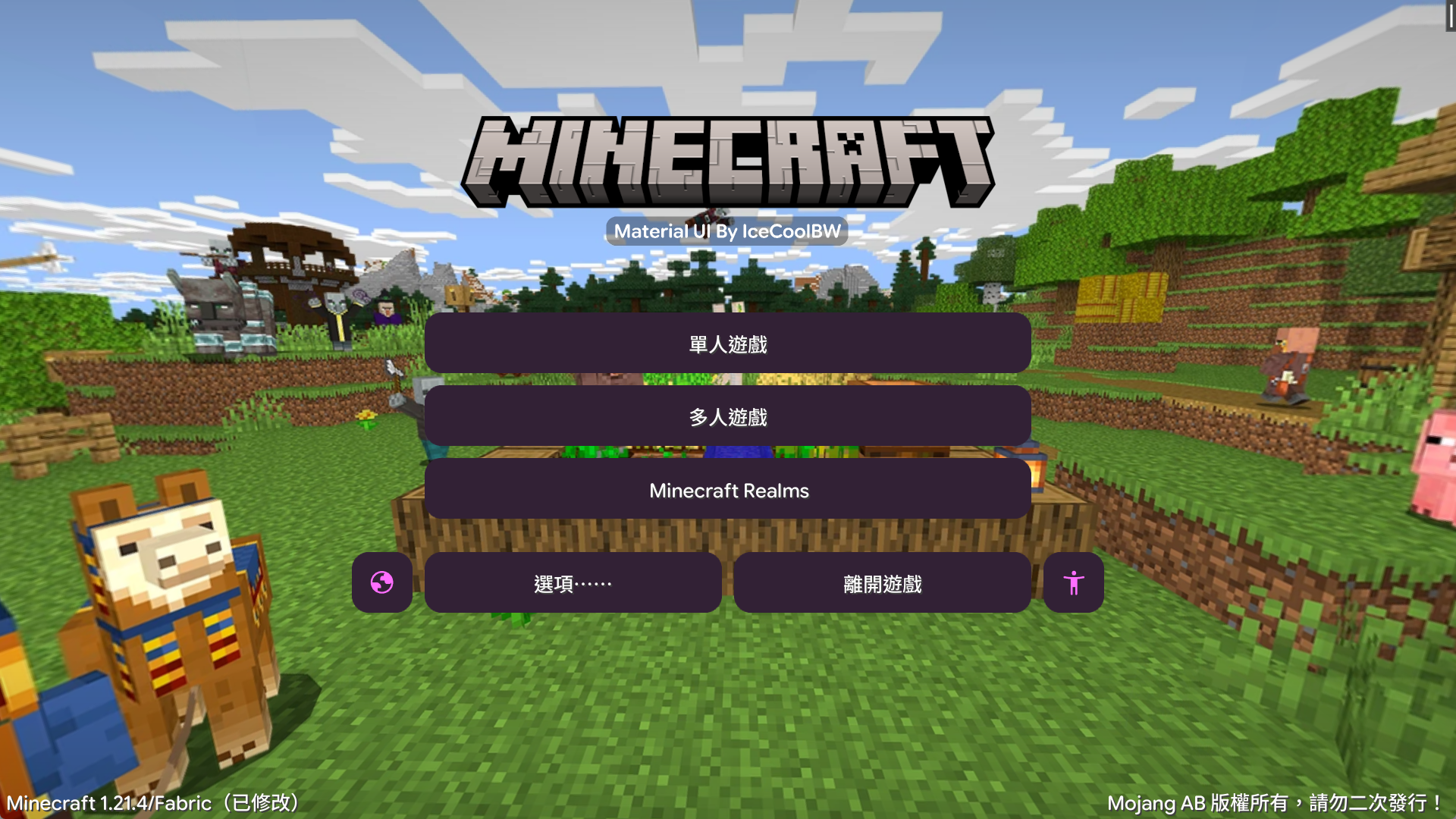
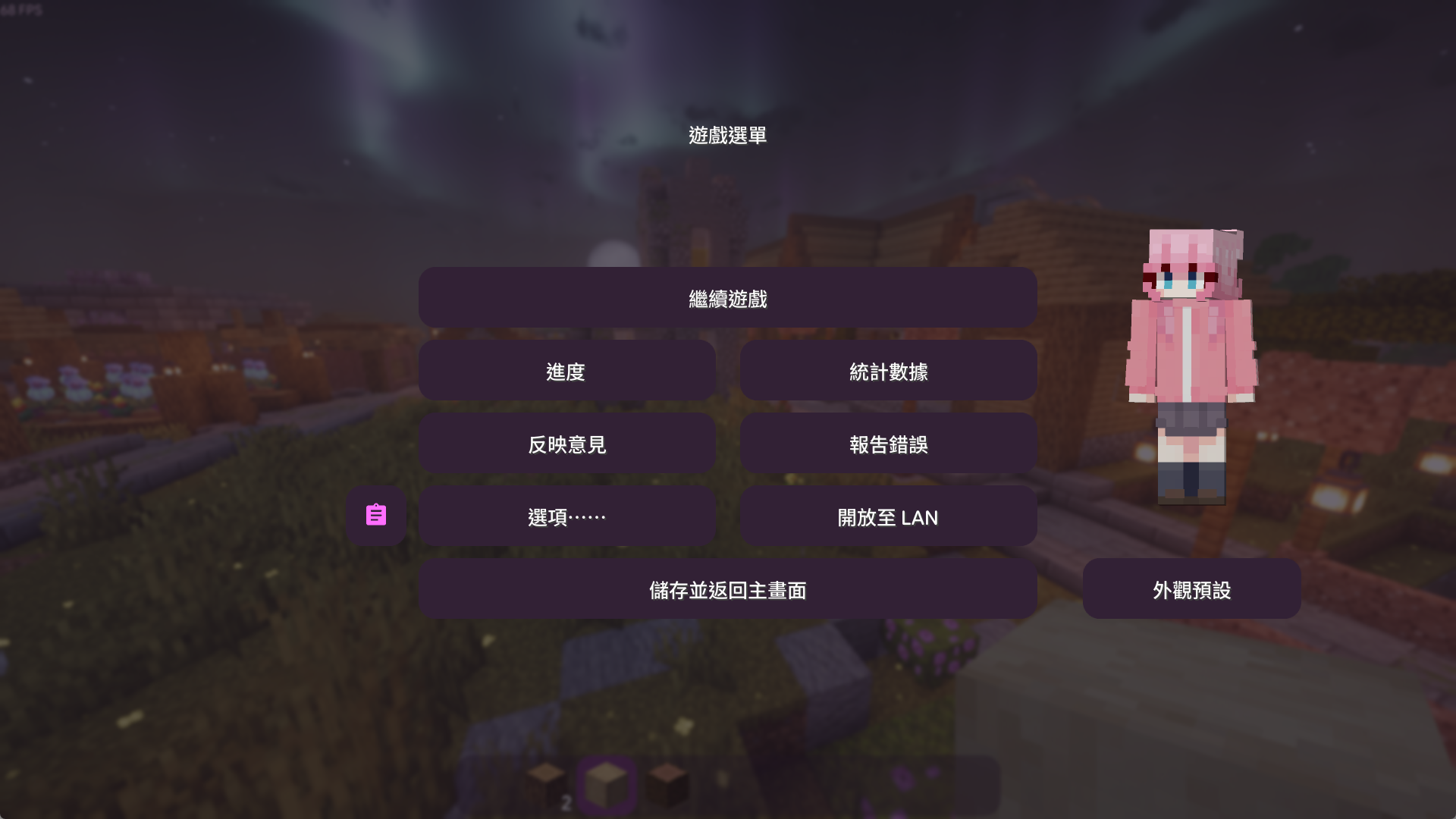
主畫面 Main Menu
  • 按鈕:圓角比之前更圓 (之前使用Medium,現在為Large increased) Buttons: Rounder corners (Changed from Medium to Large increased)
  • 圖示:高解析度支援、外觀調整 (之前使用Weight.400,Outline,現在為Weight.300,Rounded) Icons: HD support, rounded style (Changed from Outline/400 to Rounded/300)
  • 按鈕:材質包、世界、伺服器按鈕外觀調整 Buttons: Pack, World, and Server buttons updated
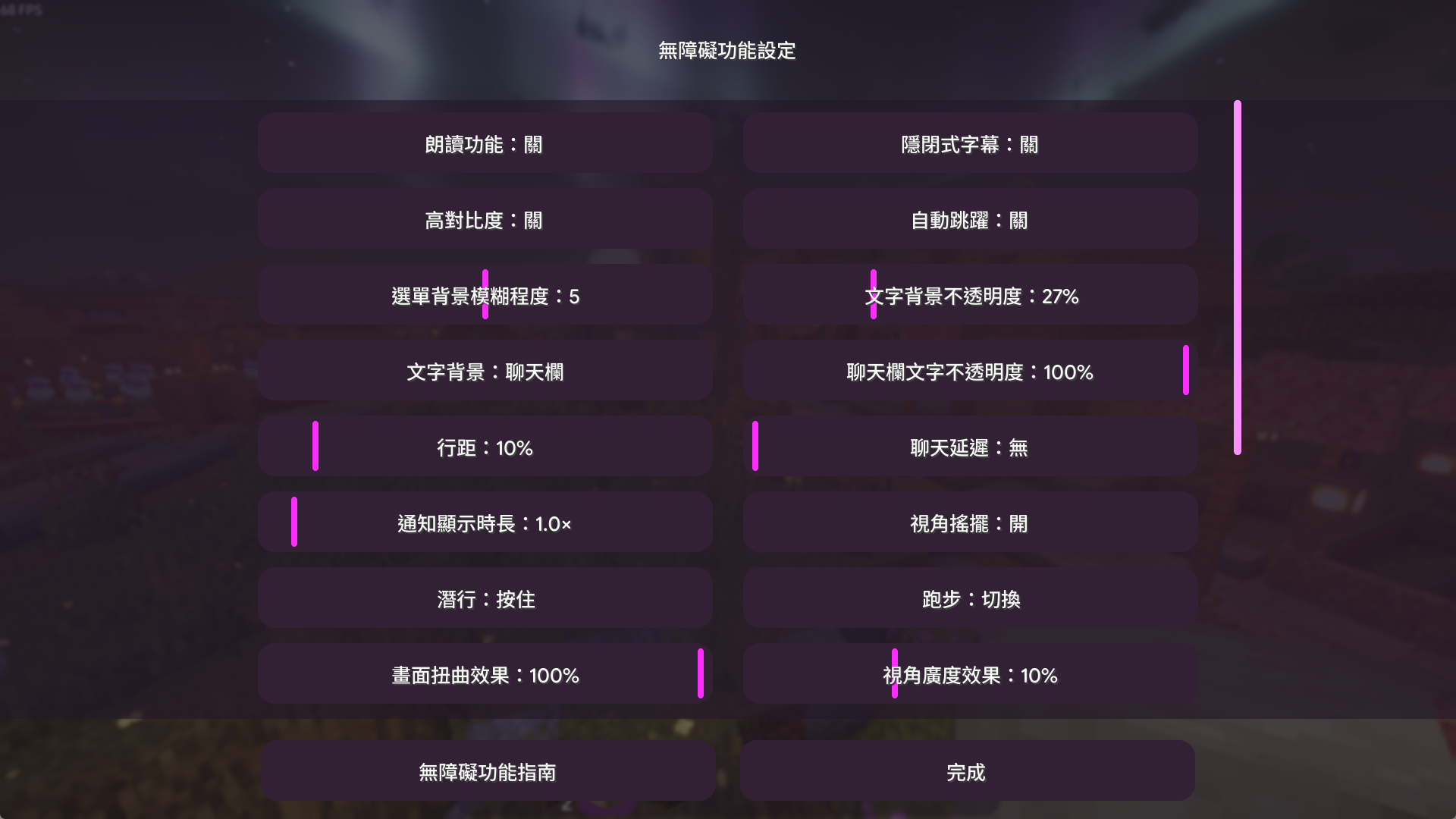
設定選單 Settings
  • 滑桿:使用垂直,而非之前的水平設計 Sliders: Now use a vertical design instead of horizontal
多人遊戲 Multiplayer
  • 其他:Ping圖示、社交選單更新 Misc: Ping icons and Social menu updated
圖示 Icons
  • 色彩更新:聊天訊息記號、選取記號、信件、資訊、邀請、連結、新聞、搜尋 Color Updates: Chat signs, Checkmarks, Mail, Info, Invites, Links, News, Search
  • 外觀更新:無障礙、Ping、語言 Style Updates: Accessibility, Ping, Language
  • 大小更新:欄位圖示 Size Updates: Slot icons
按鈕 Buttons
  • 浮動形狀改變:合成配方書、社交選單、書頁面切換 Hover Shape: Recipe book, Social menu, Book page turning
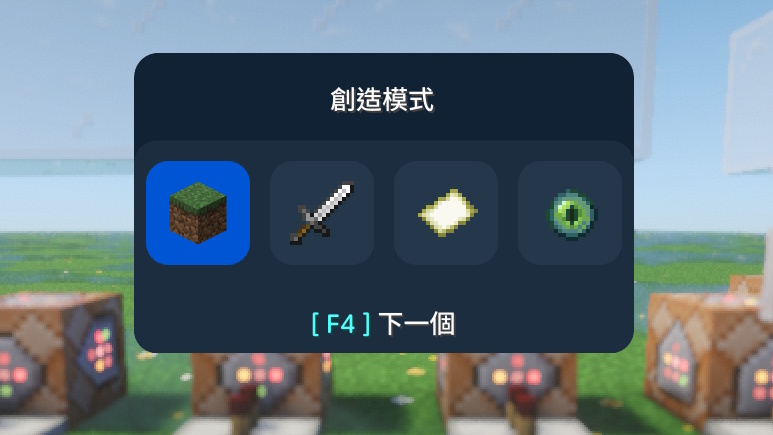
  • 浮動一般更新:配方書頁面切換、模式選擇 Hover Update: Recipe pages, Mode selector
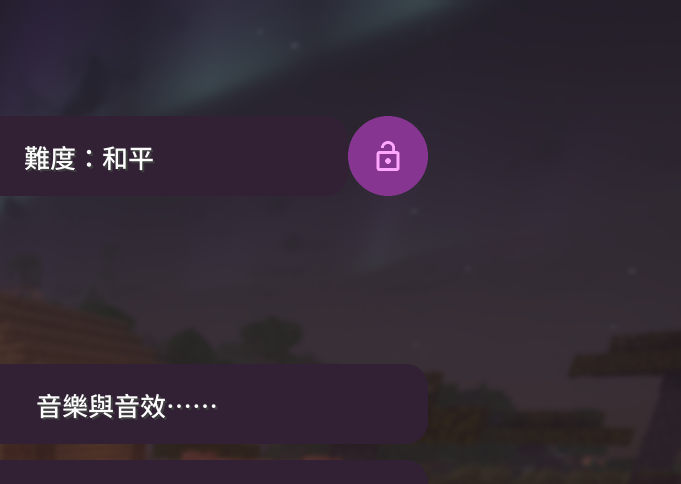
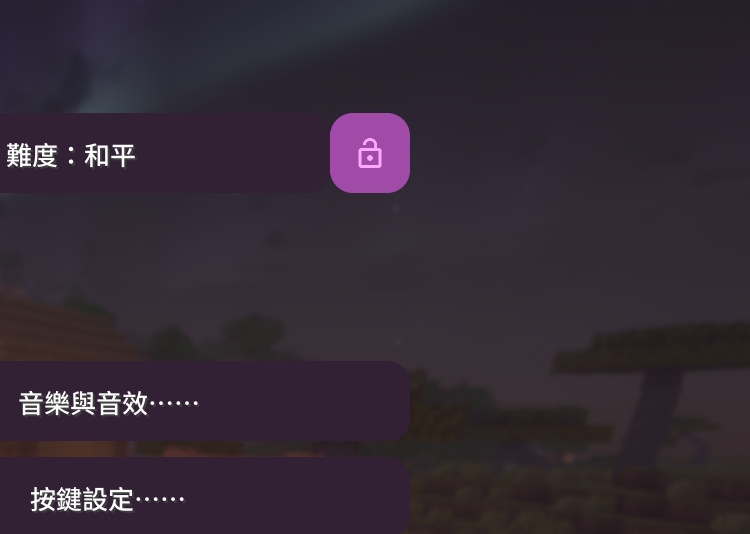
  • 選取形狀改變:Tab、難度鎖定 Selected Shape: Tabs, Difficulty lock
  • 選取一般更新:選取按鈕 Selected Update: Selection buttons
套用更新的GUI Updated GUIs
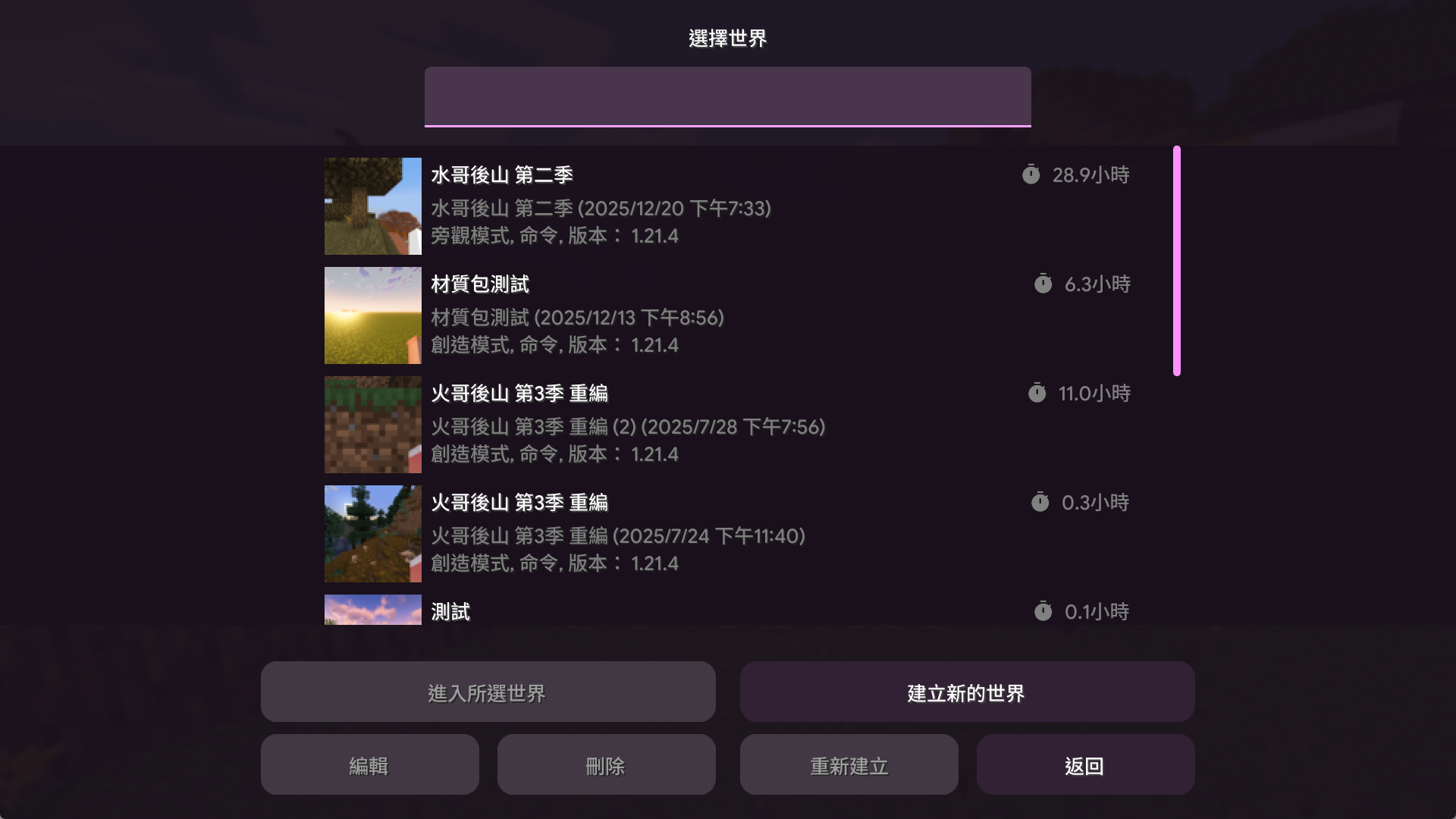
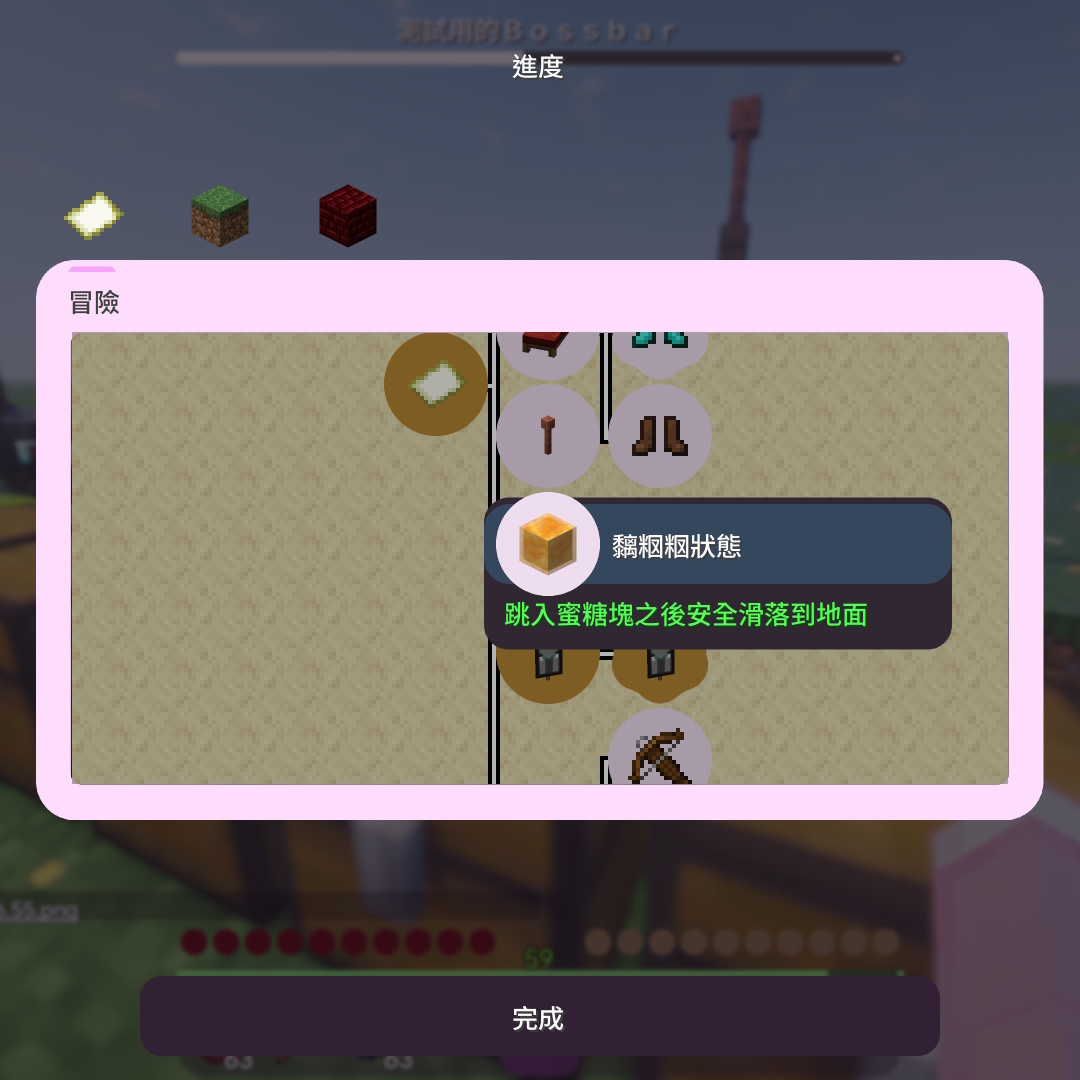
  • 主選單、世界選擇、伺服器列表、Realms、建立新世界、設定、進度畫面、社交選單 Main Menu, World Select, Server List, Realms, Create World, Settings, Advancements, Social
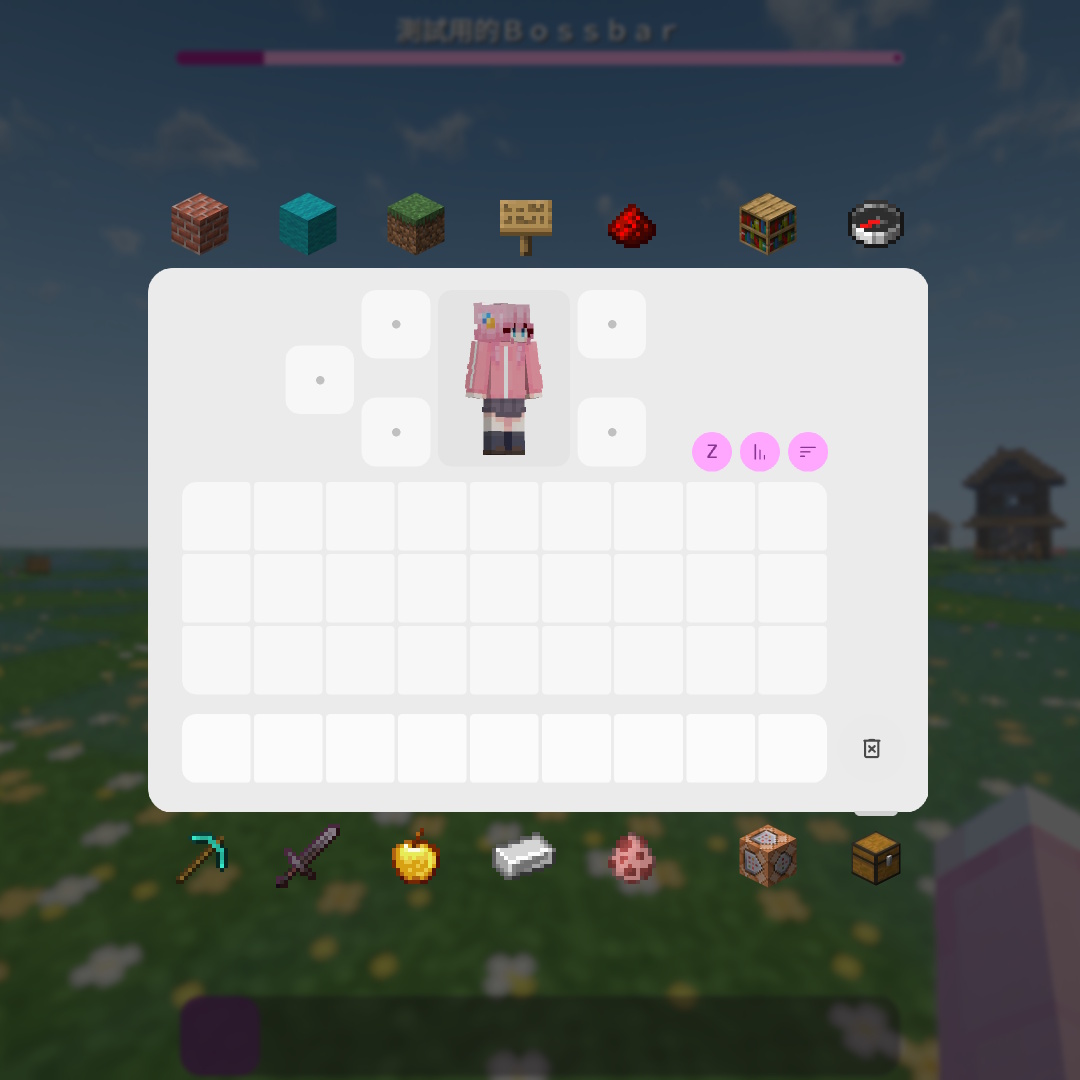
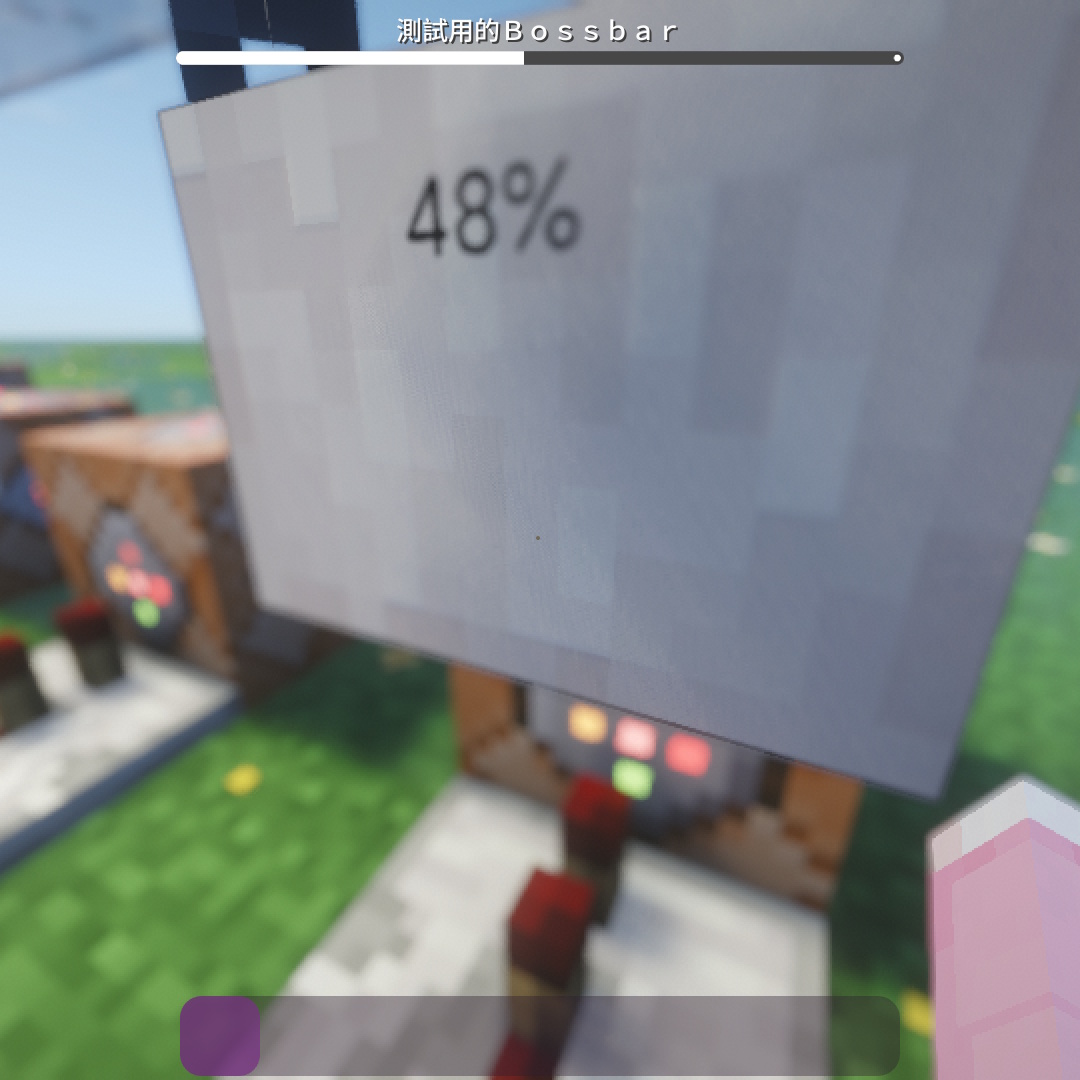
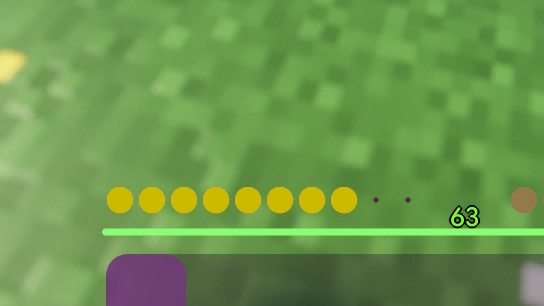
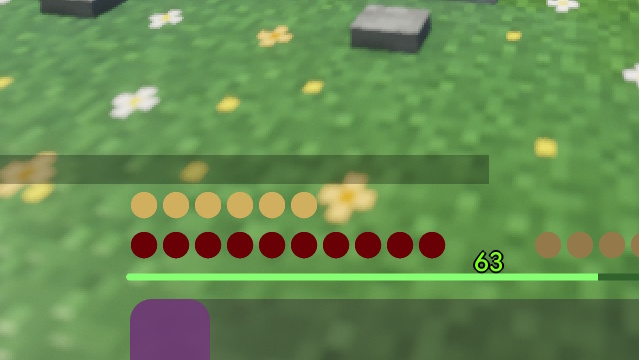
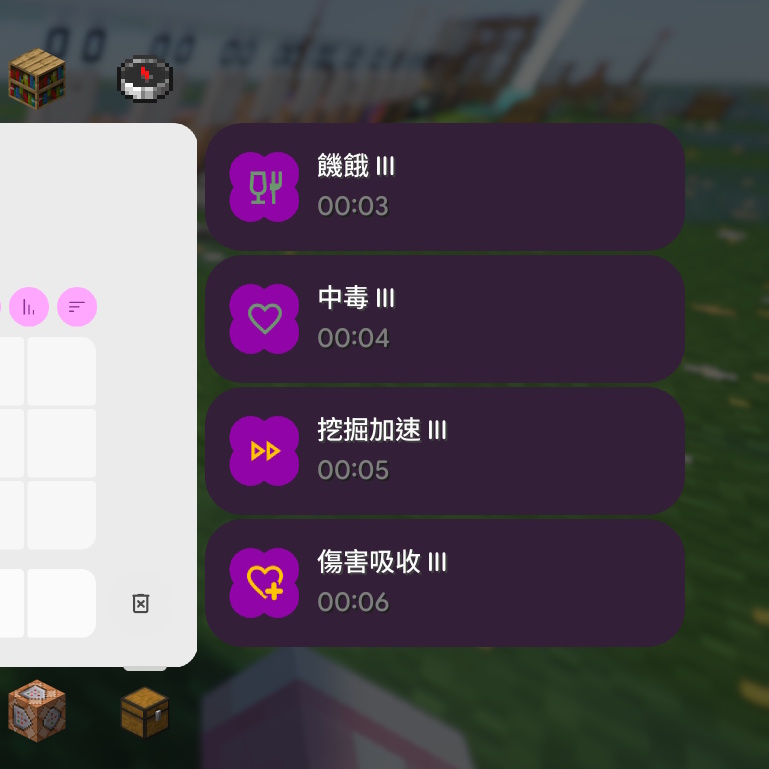
  • 生命值、飢餓值、盔甲值、氧氣值、經驗條、快捷欄、準星、狀態效果圖示、Boss血條 Health, Hunger, Armor, Air, XP Bar, Hotbar, Crosshair, Effects, Boss Bars
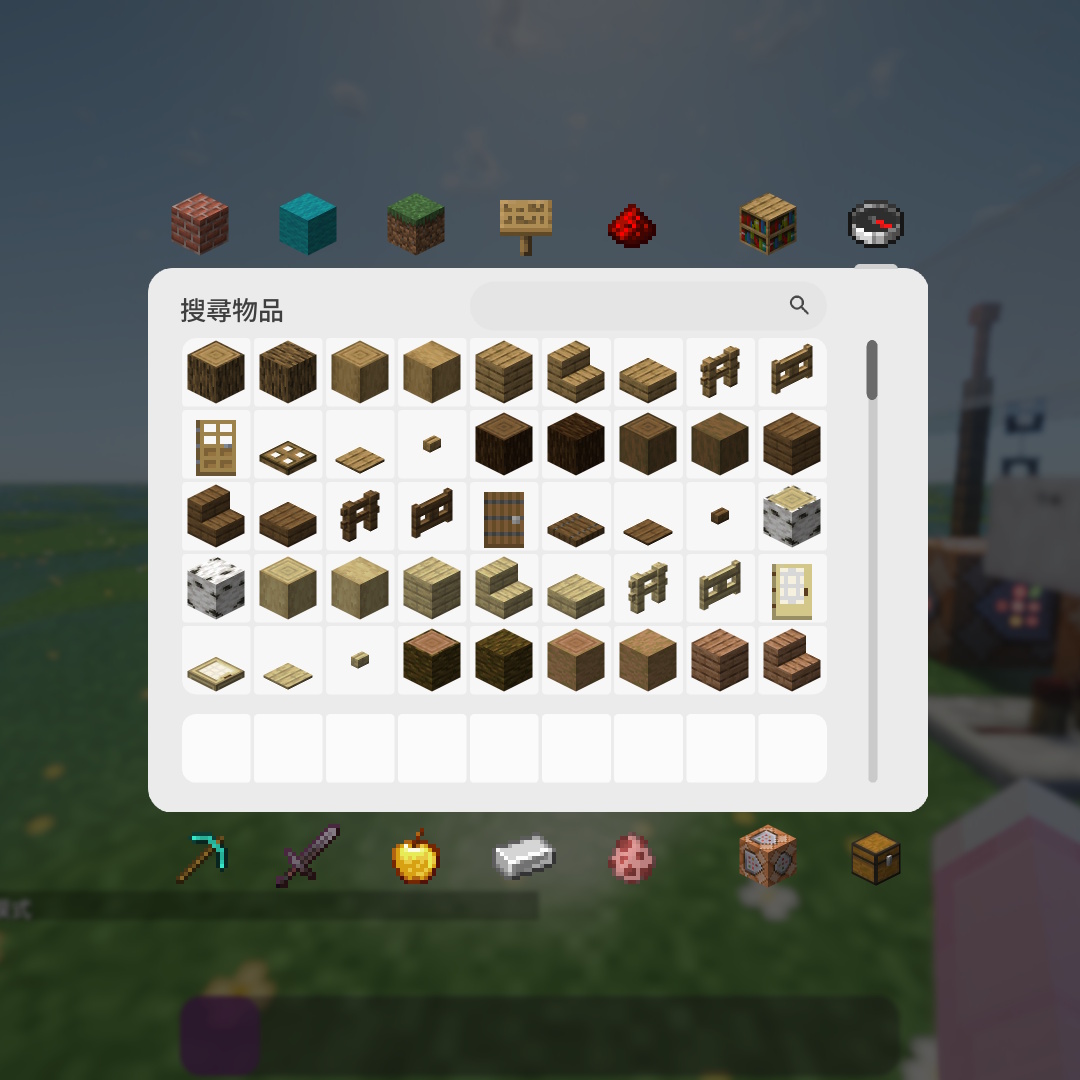
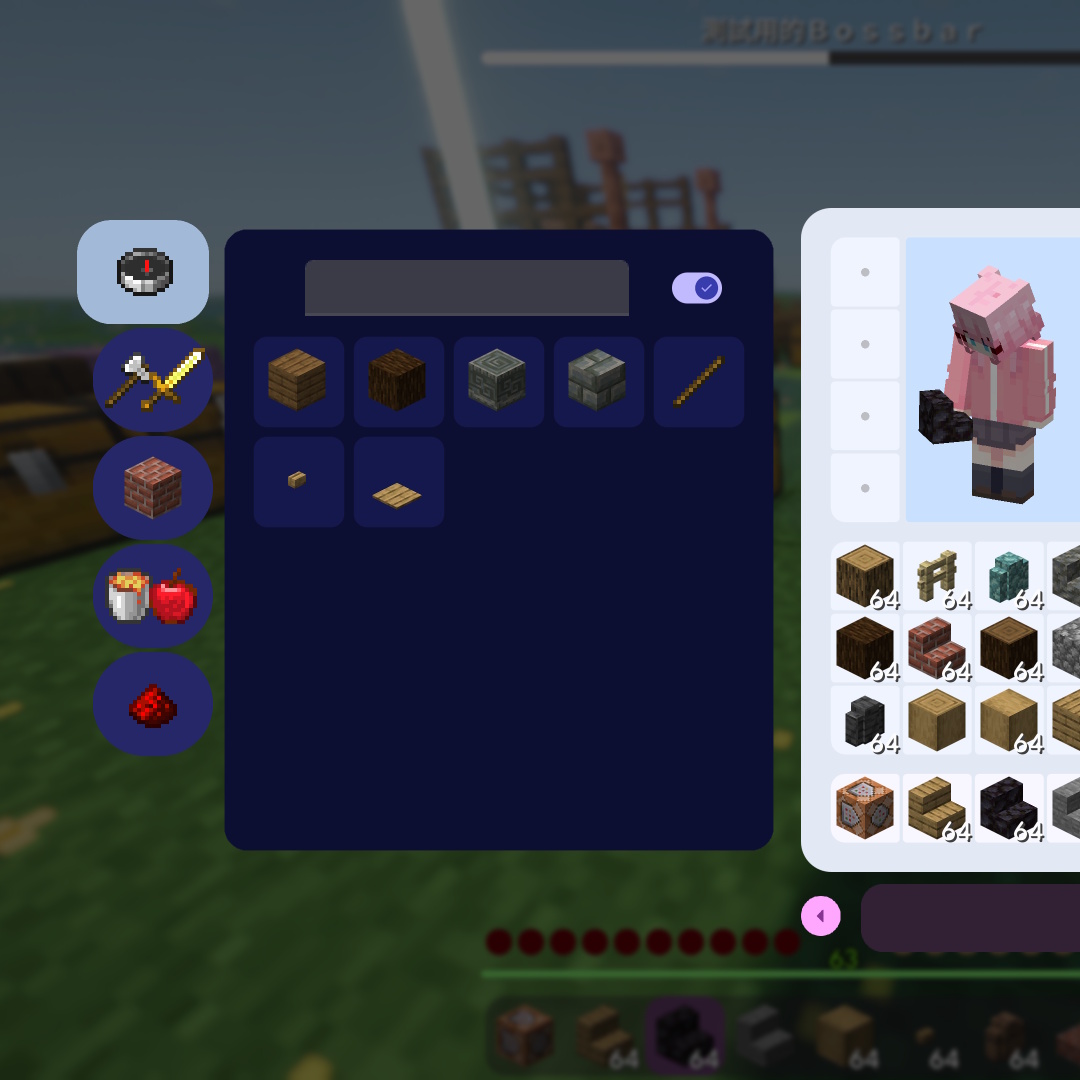
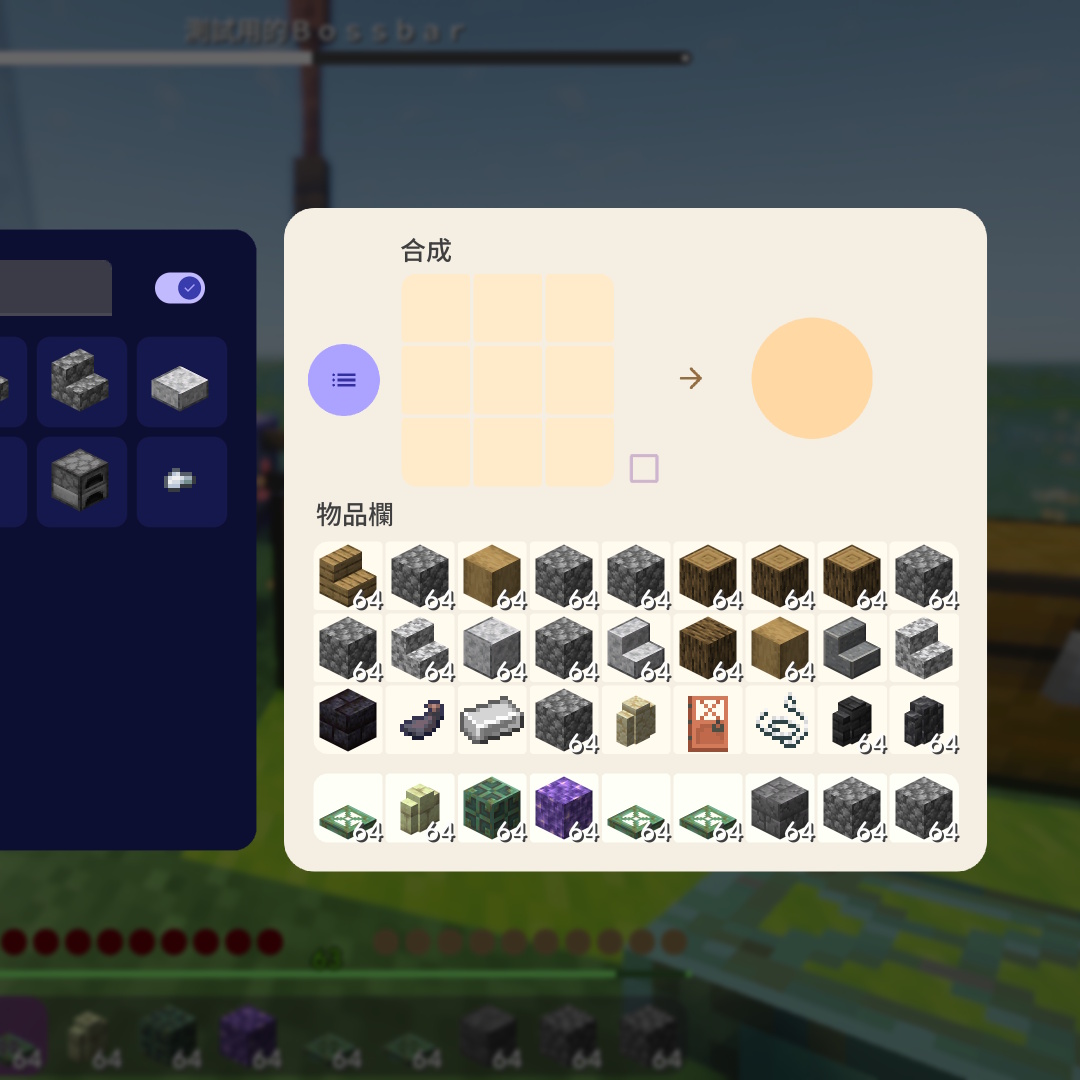
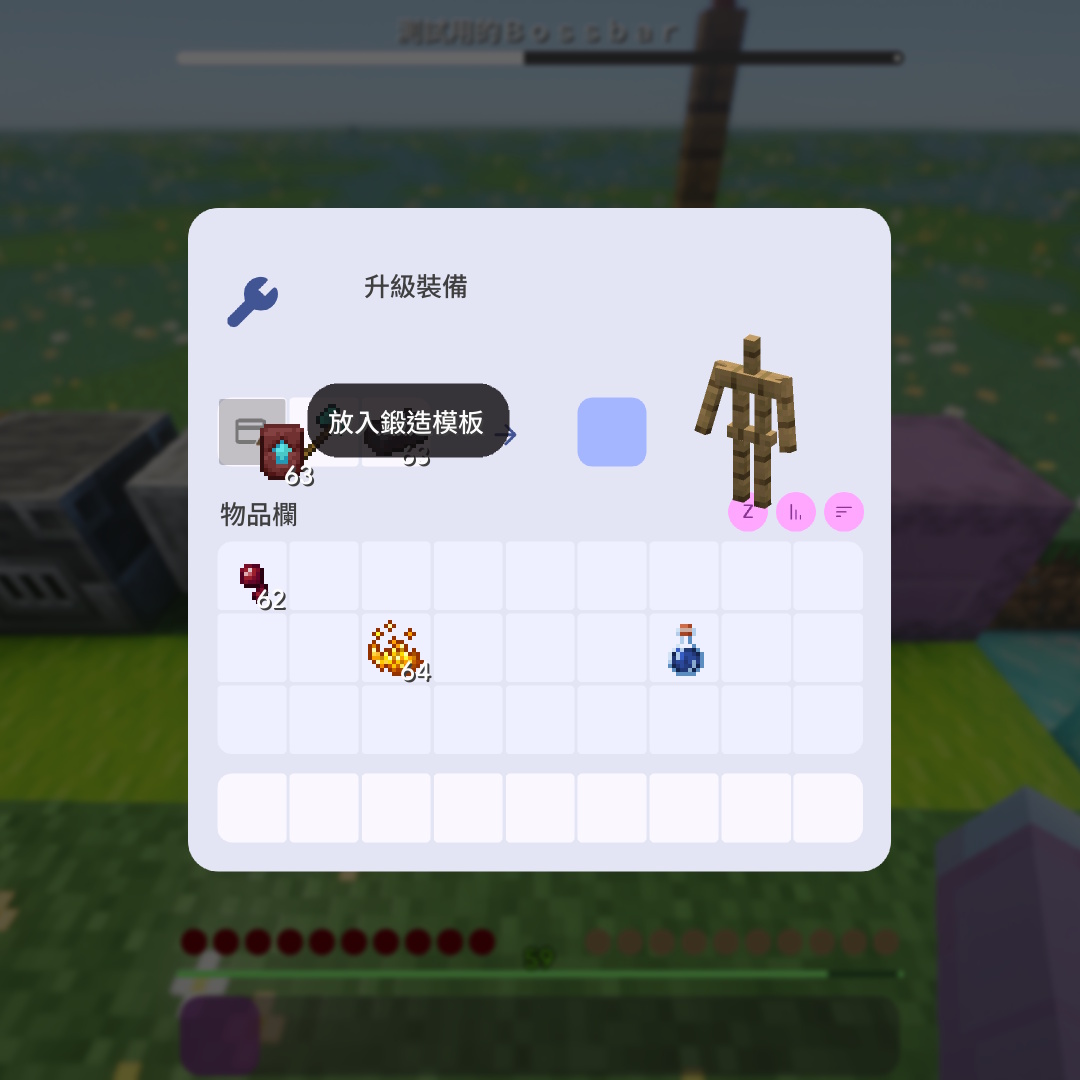
  • 玩家物品欄、創造模式物品欄、配方書 Inventory, Creative Inventory, Recipe Book
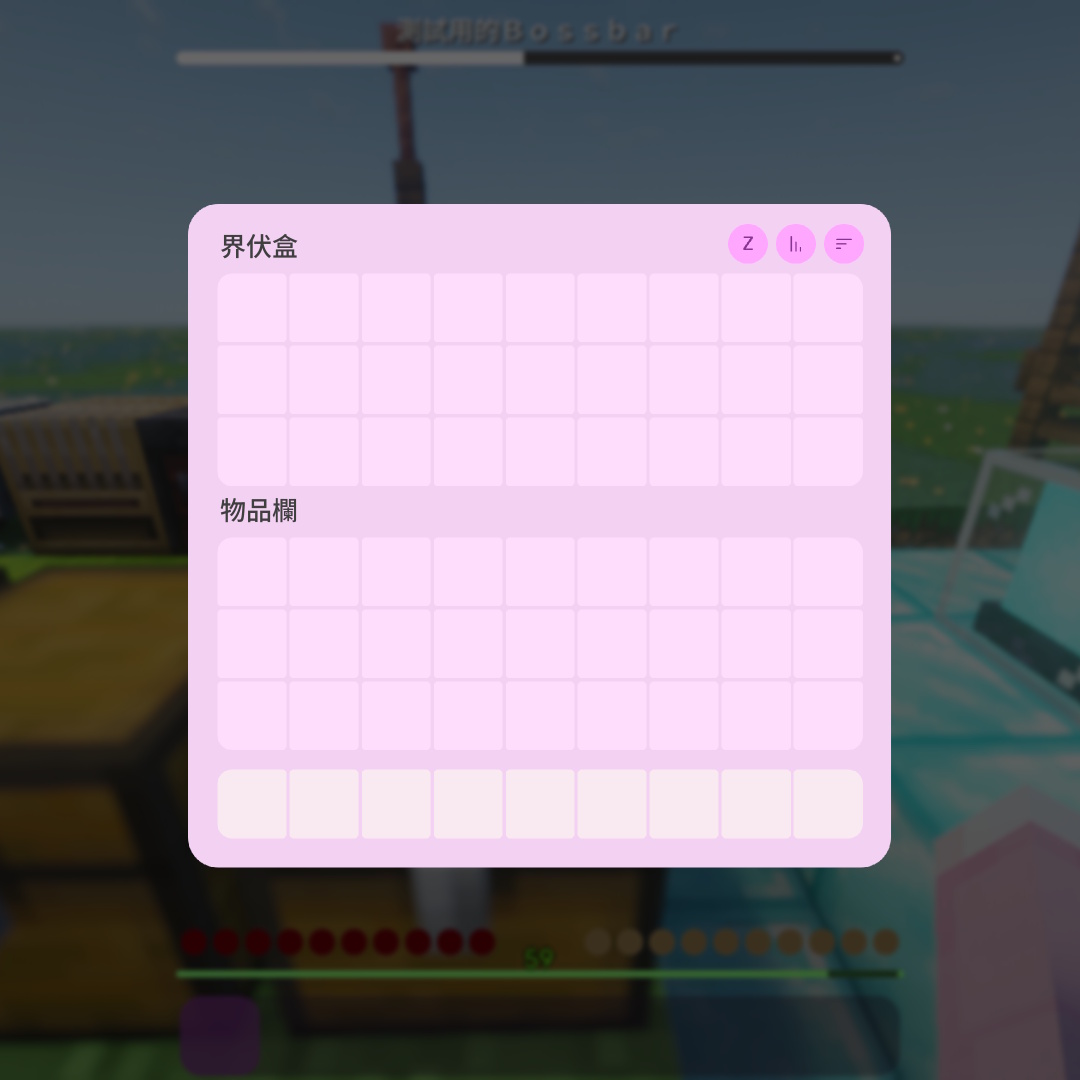
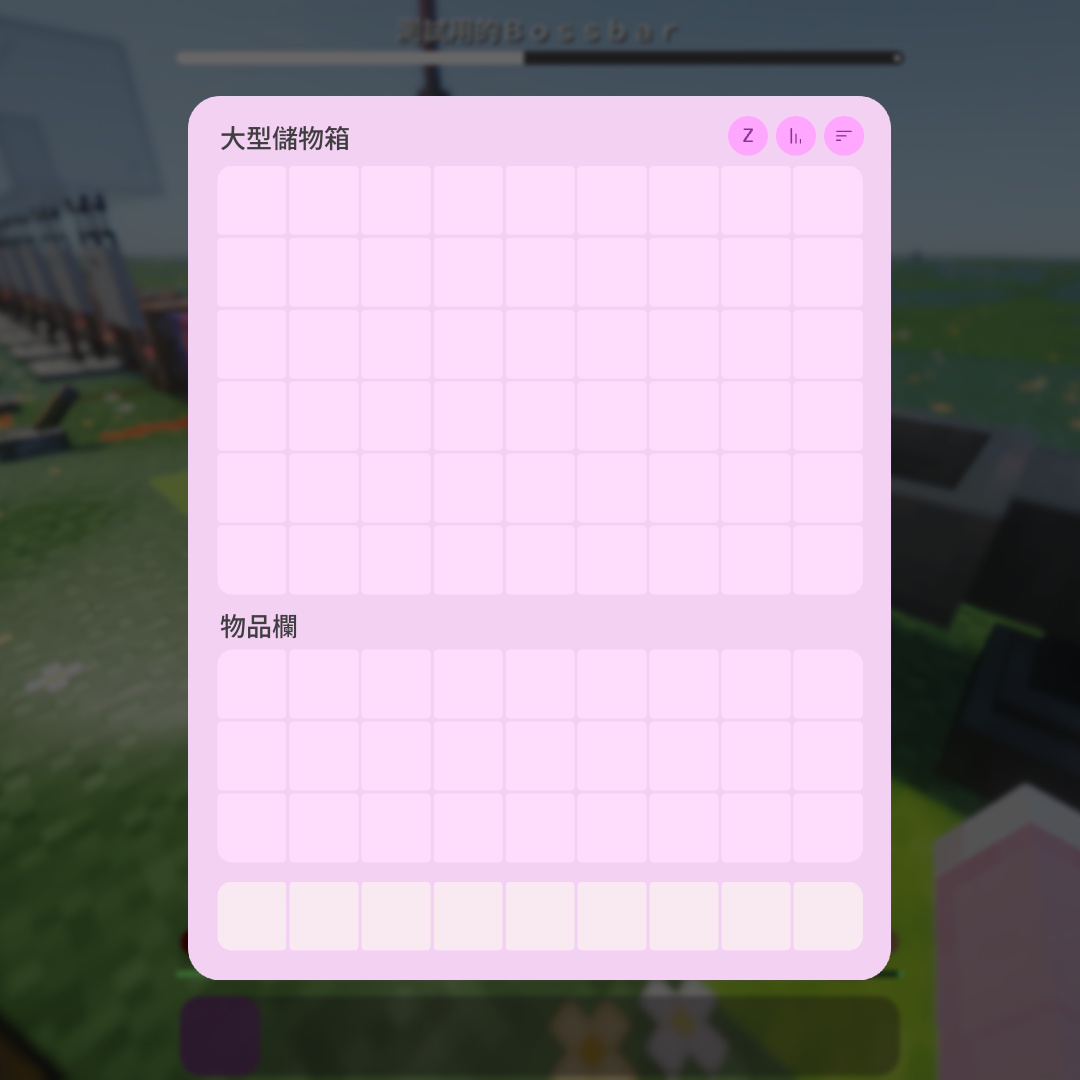
  • 儲物箱、陷阱箱、終界箱、界伏盒、木桶 Chests, Trapped Chests, Ender Chests, Shulker Boxes, Barrels
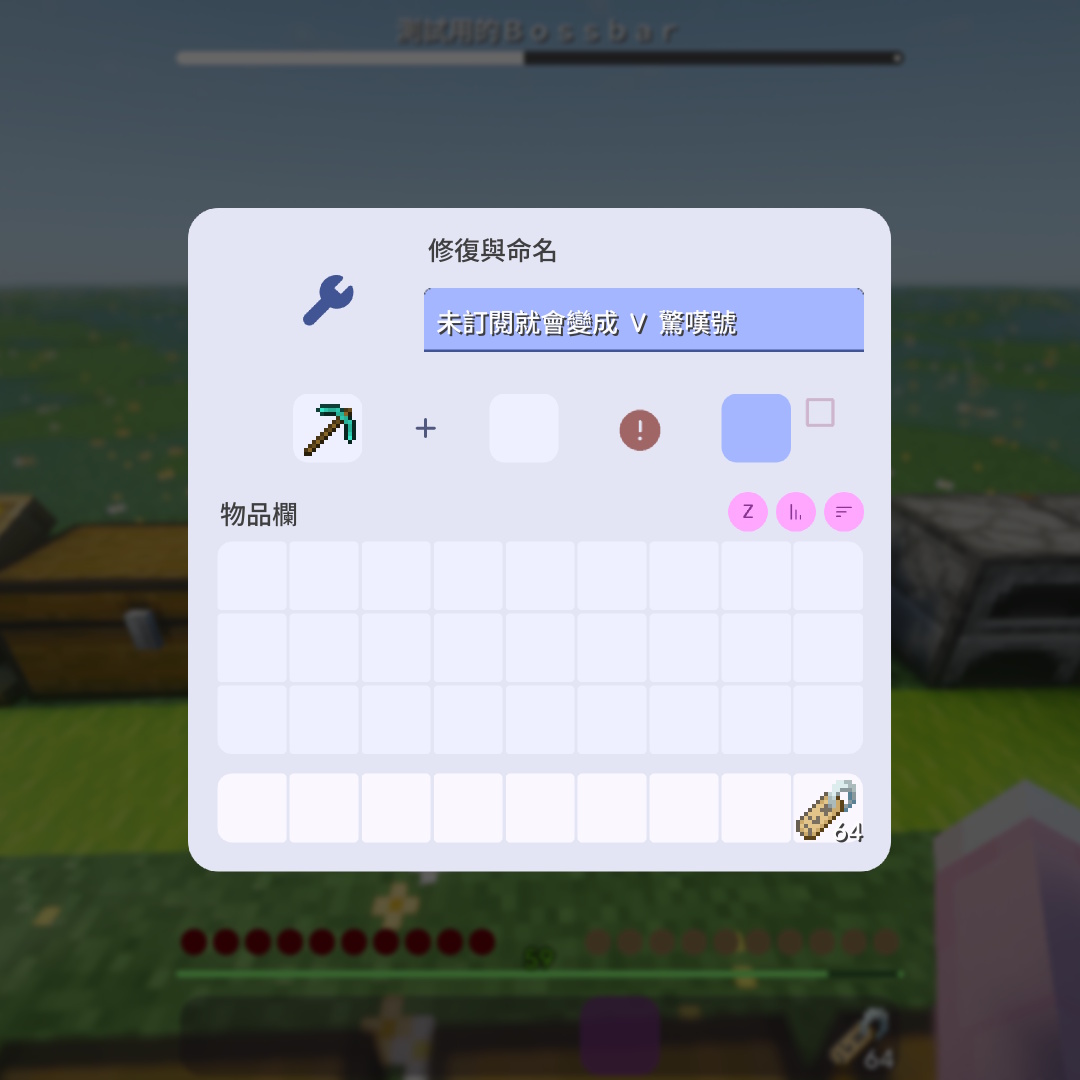
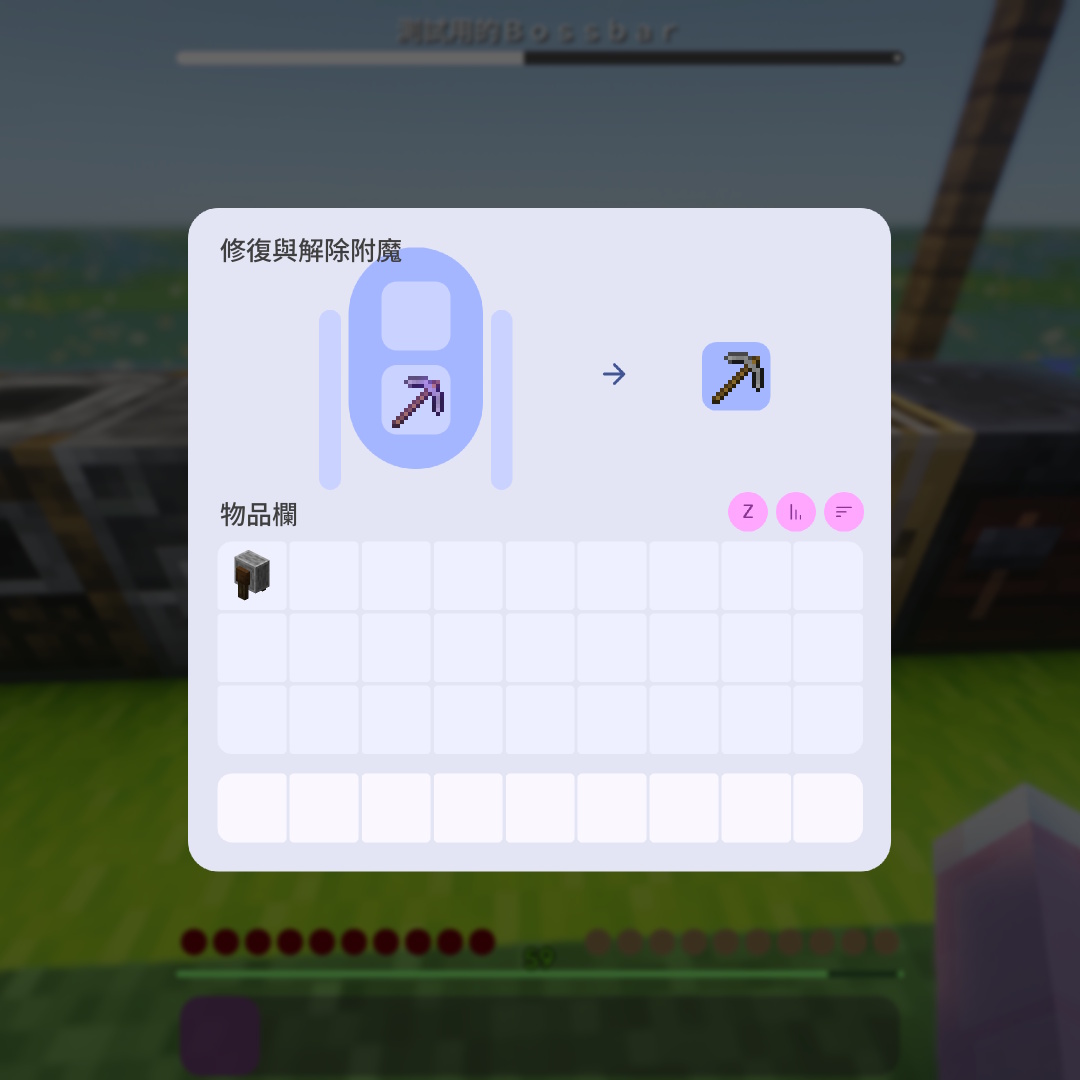
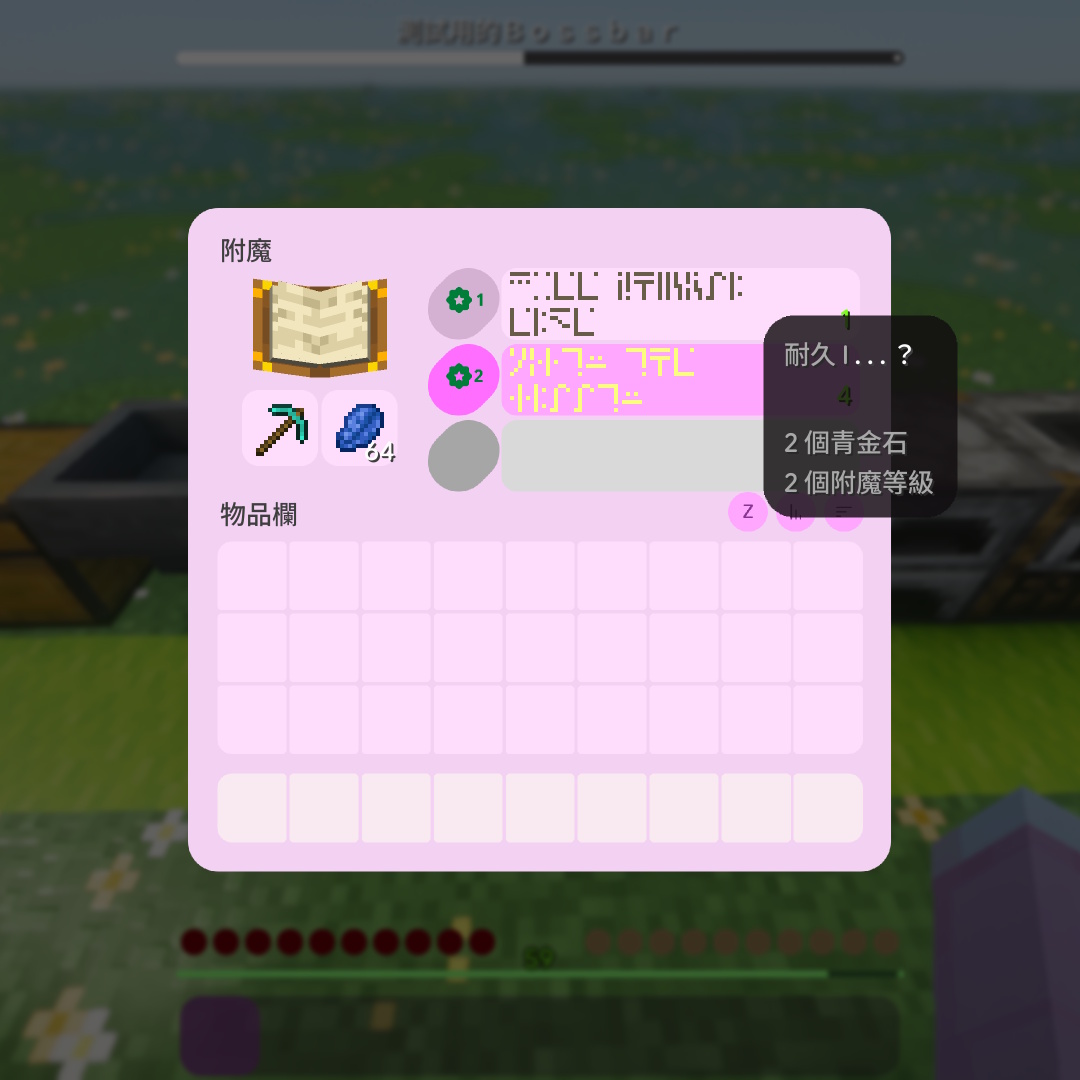
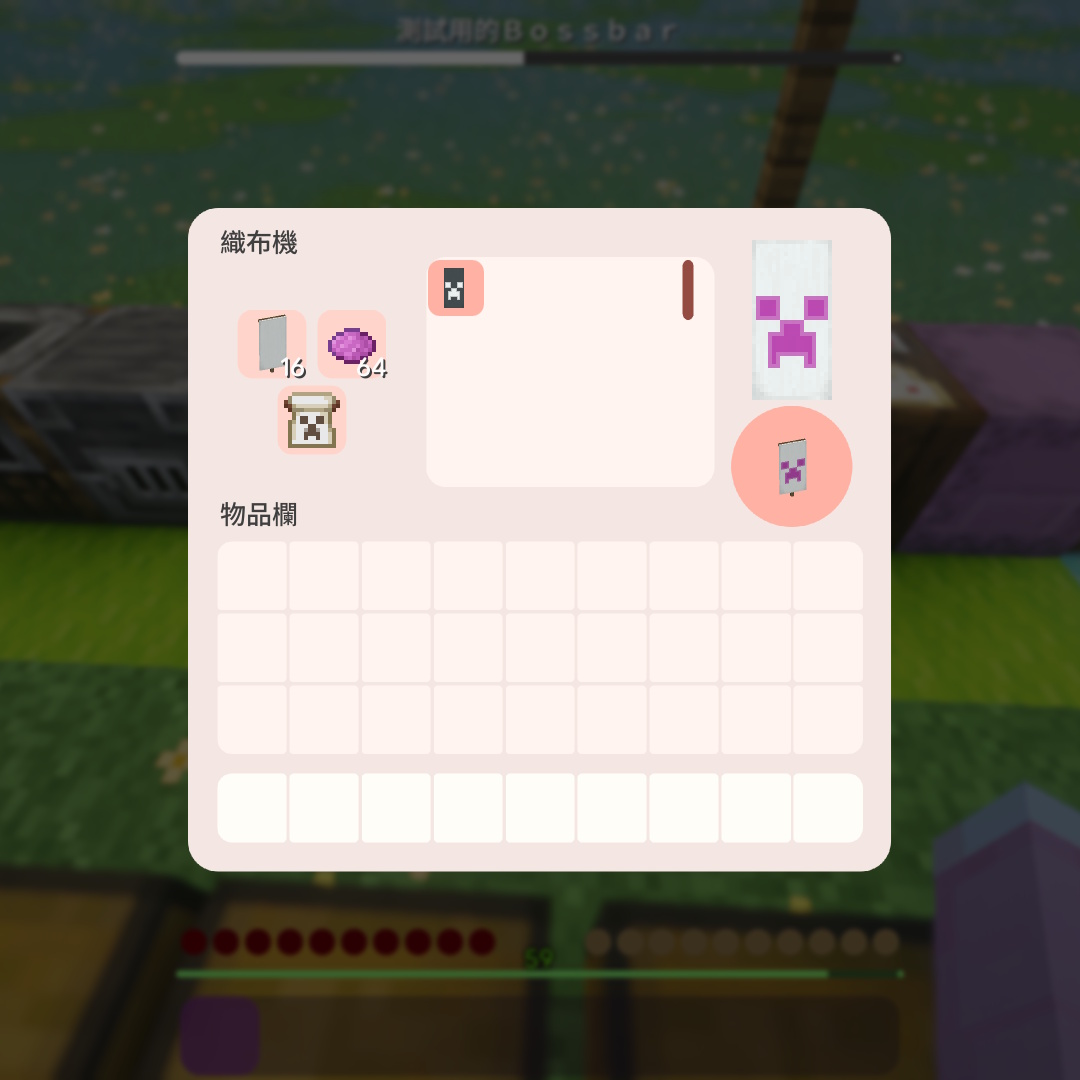
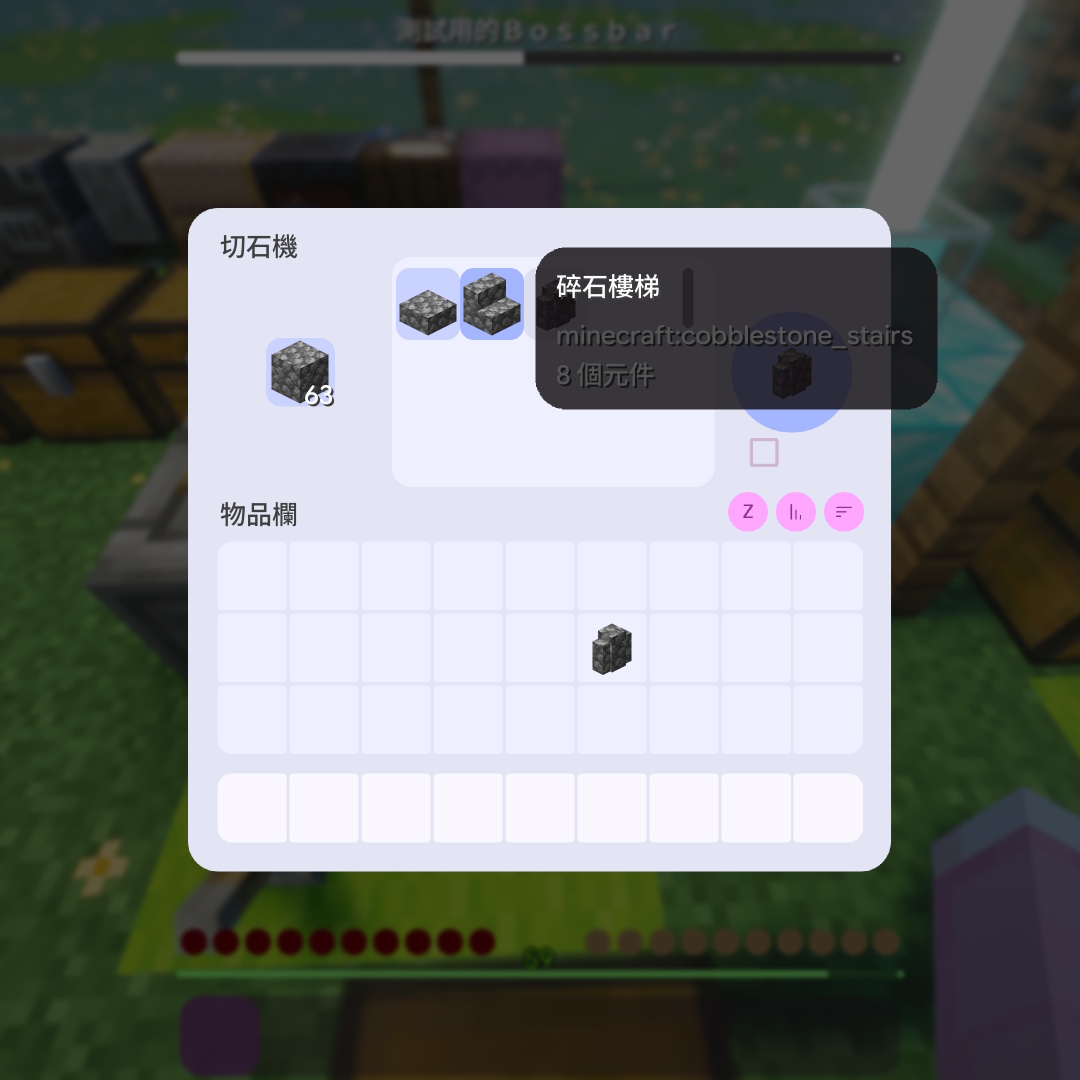
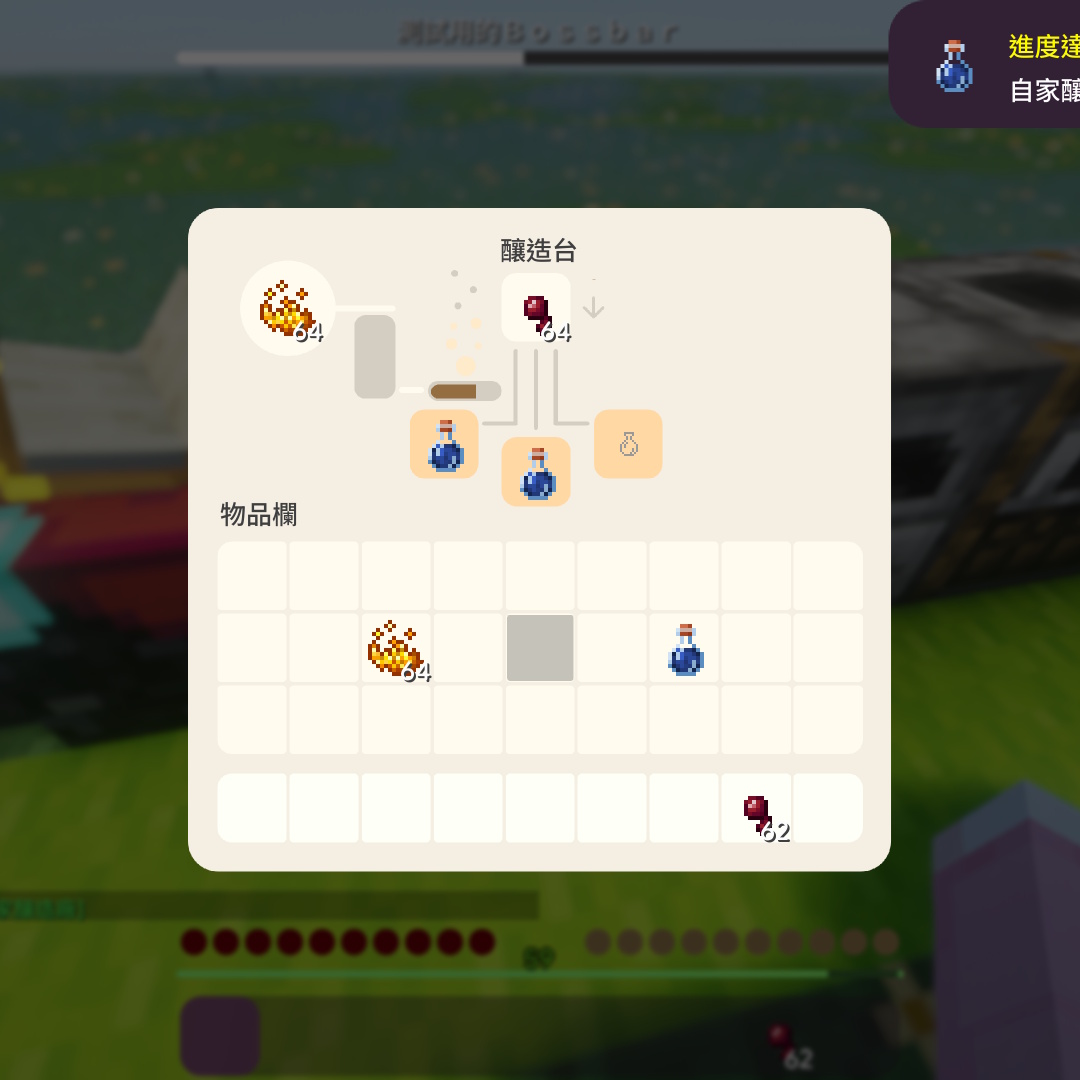
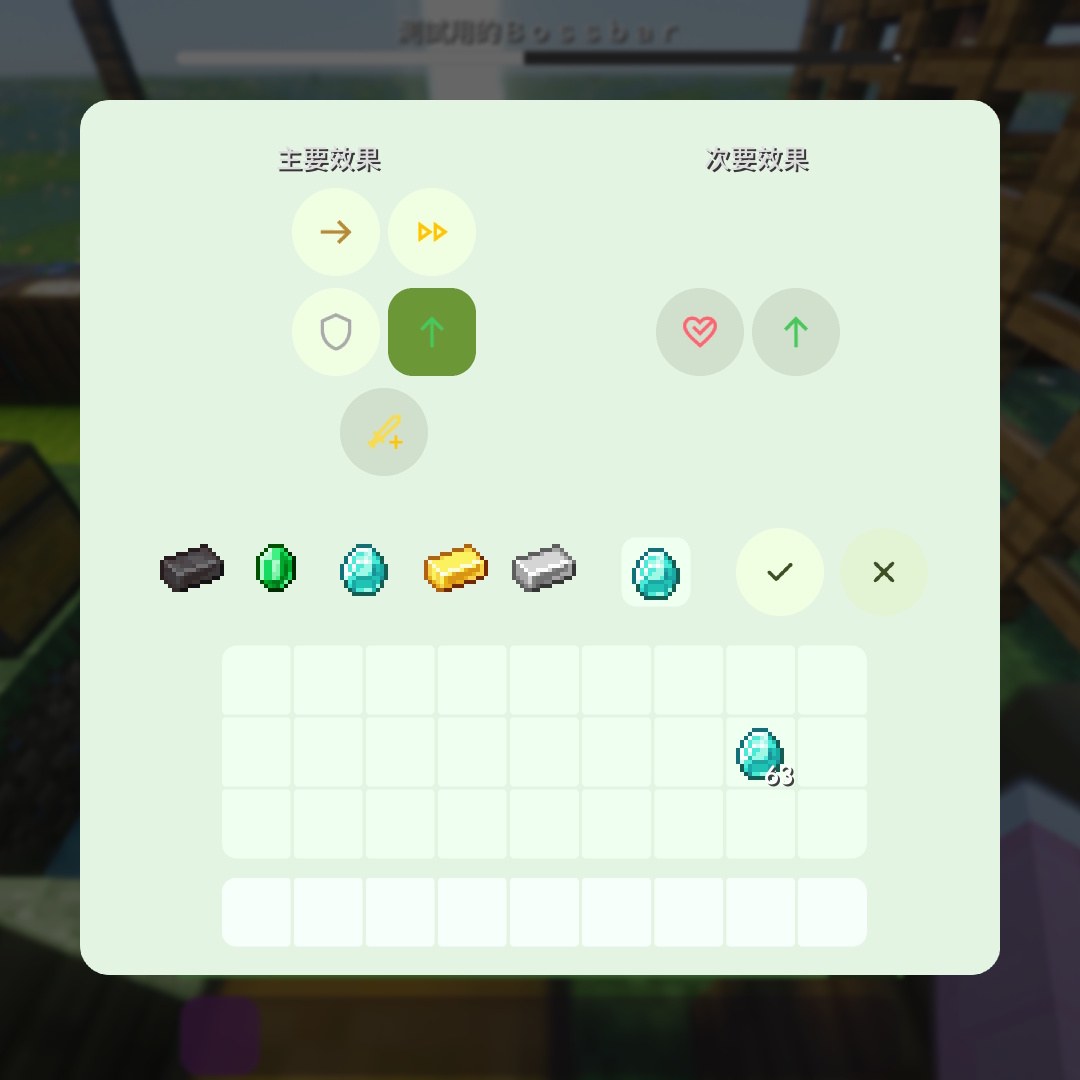
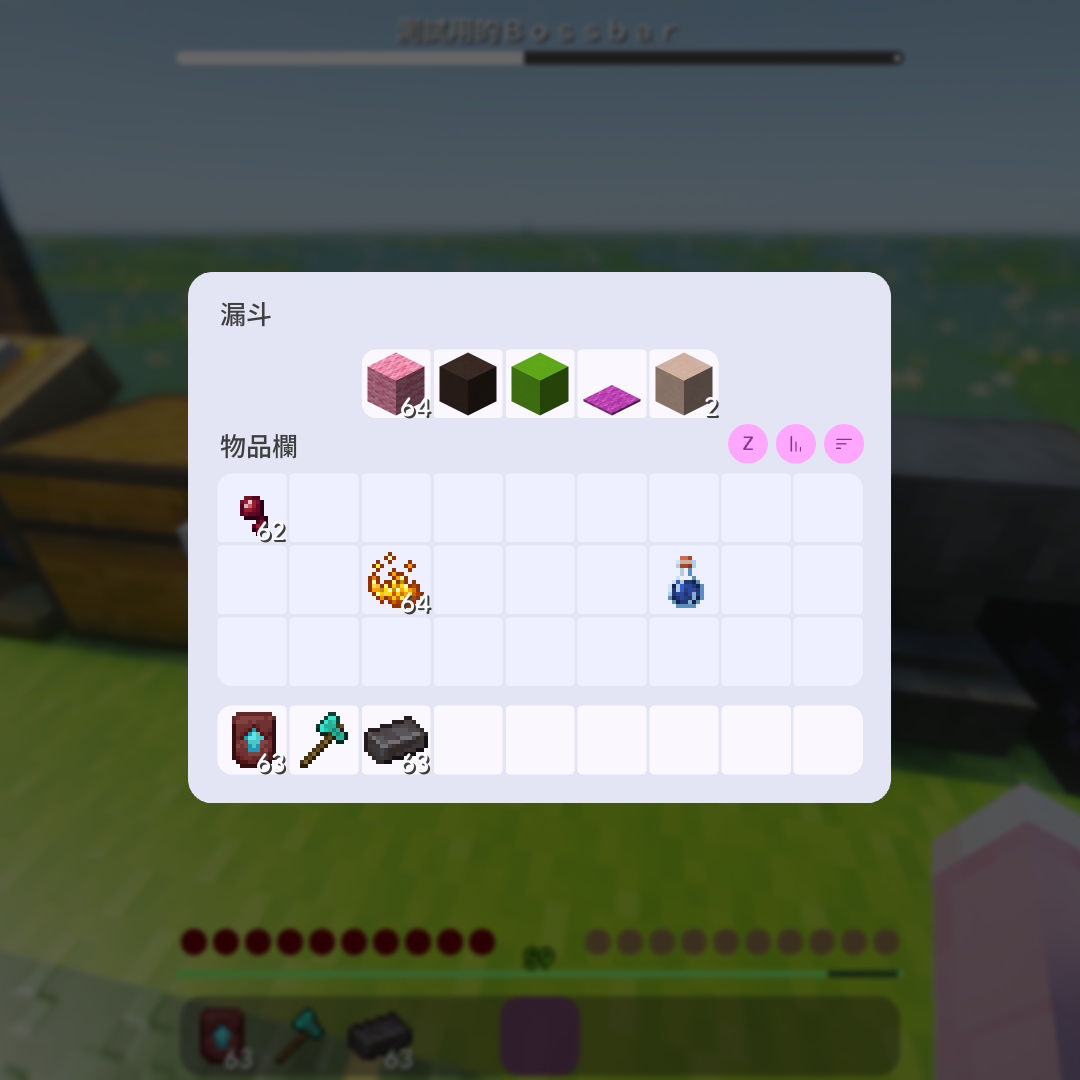
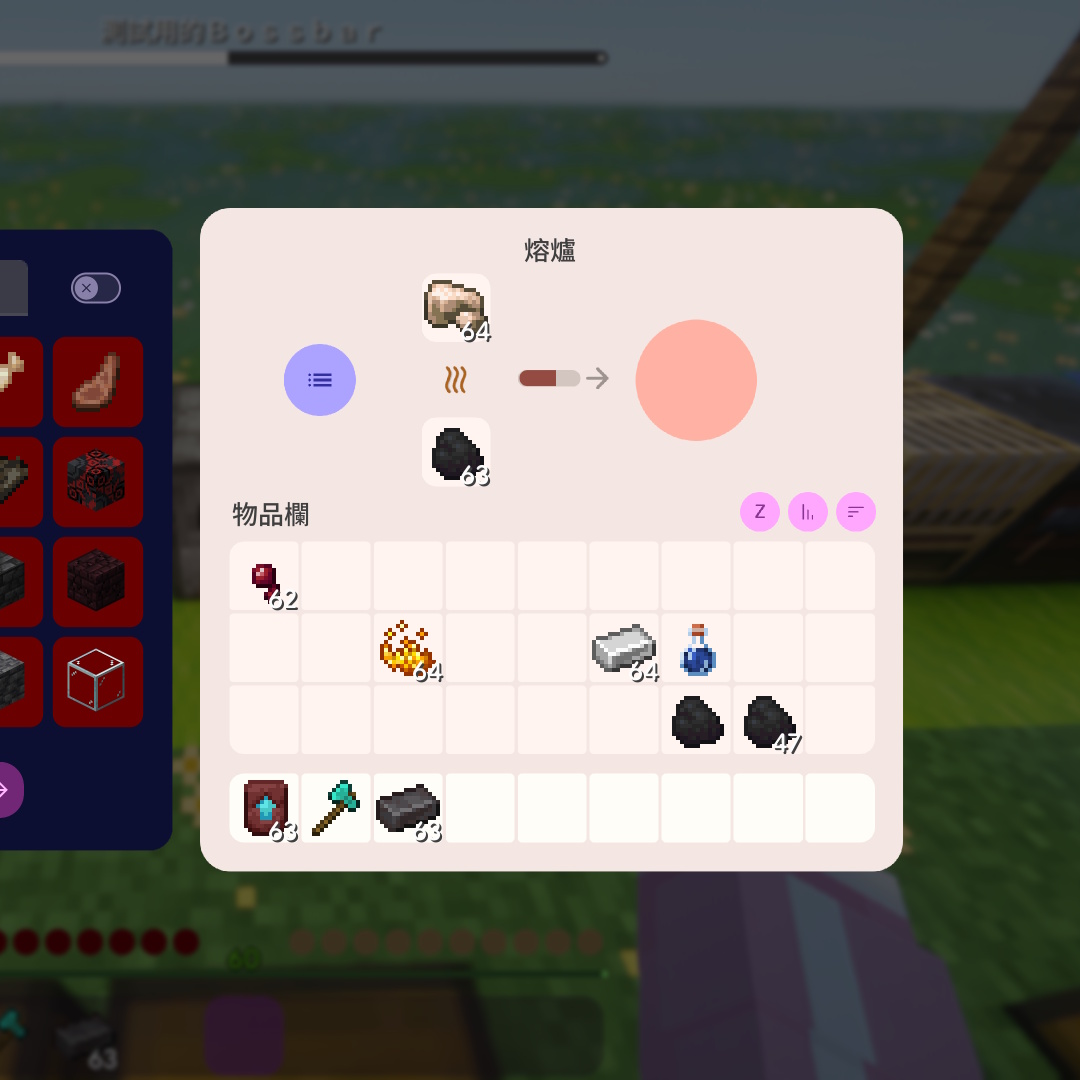
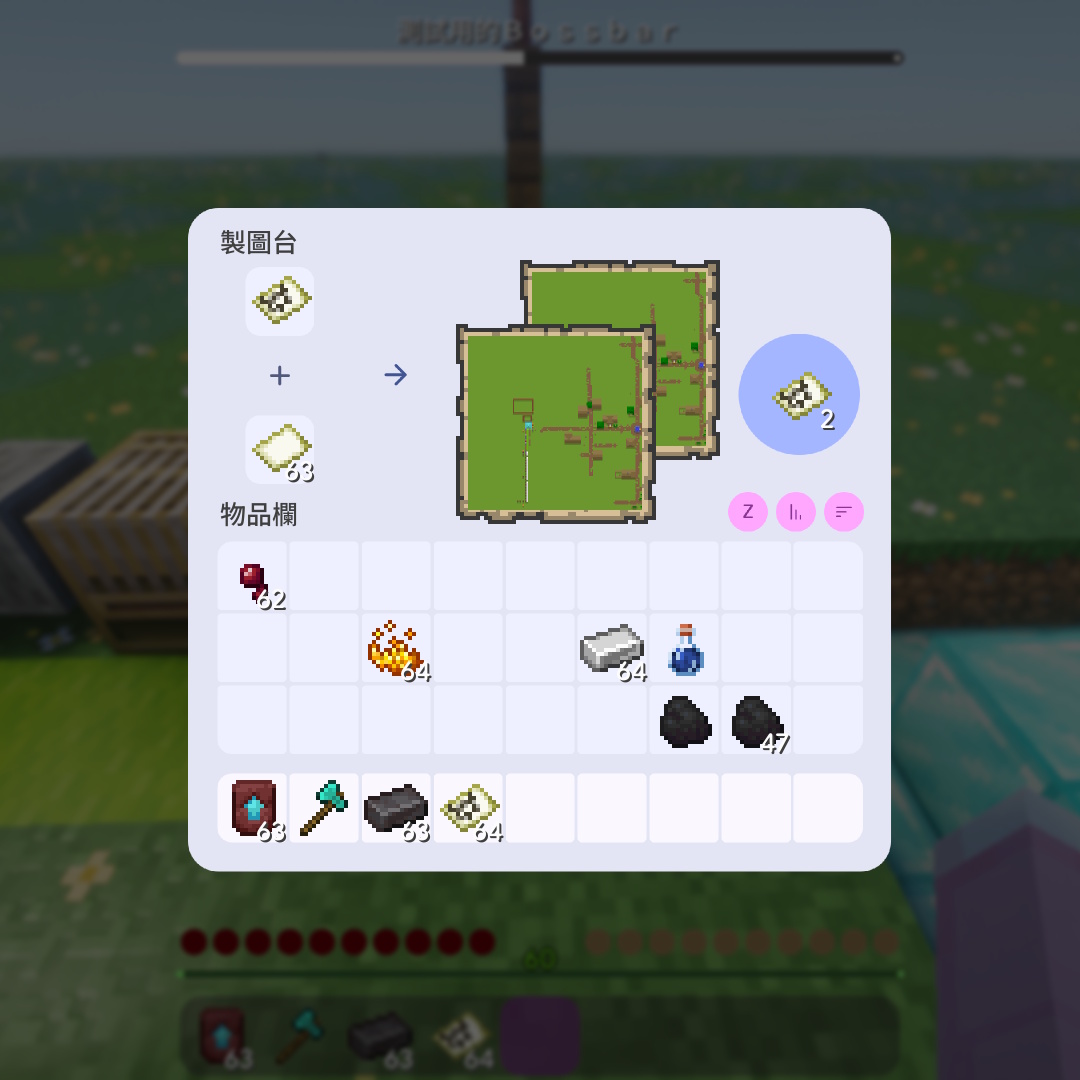
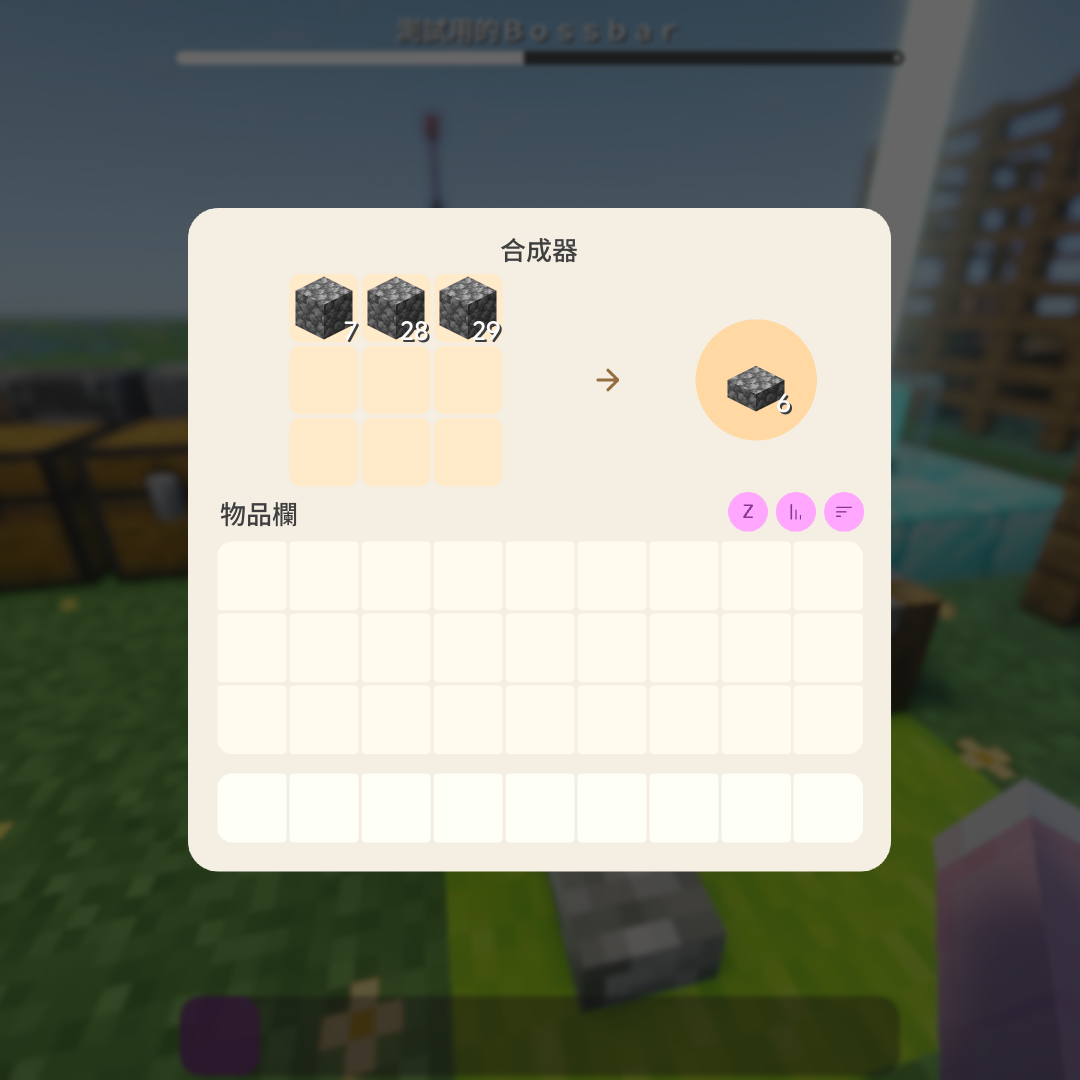
  • 工作台、熔爐、高爐、煙燻爐、附魔台、鐵砧、砂輪、釀造台、製圖台、織布機、切石機、鍛造台、烽火台、漏斗、發射器、投擲器 Crafting, Furnace, Blast Furnace, Smoker, Enchanting, Anvil, Grindstone, Brewing, Cartography, Loom, Stonecutter, Smithing, Beacon, Hopper, Dispenser, Dropper
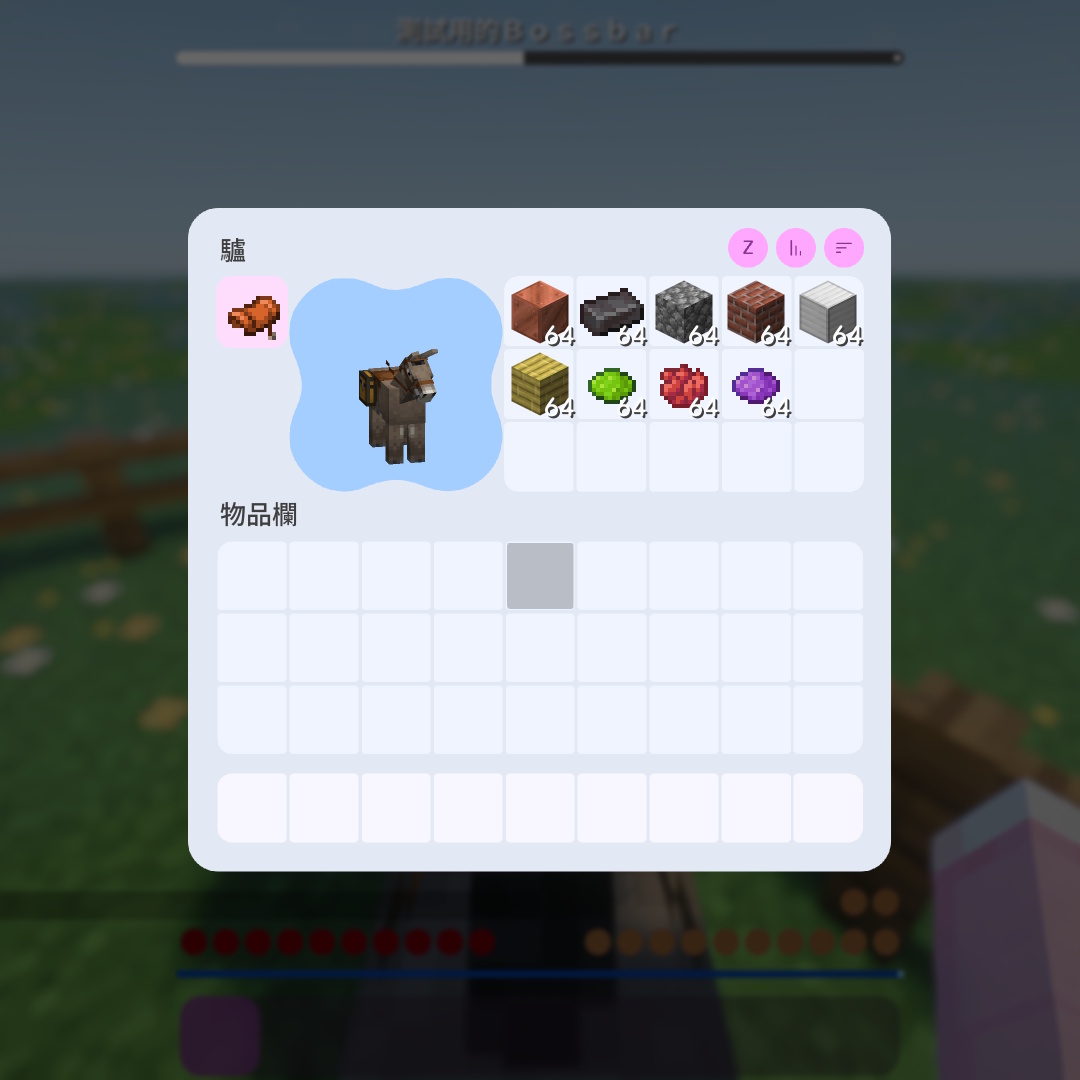
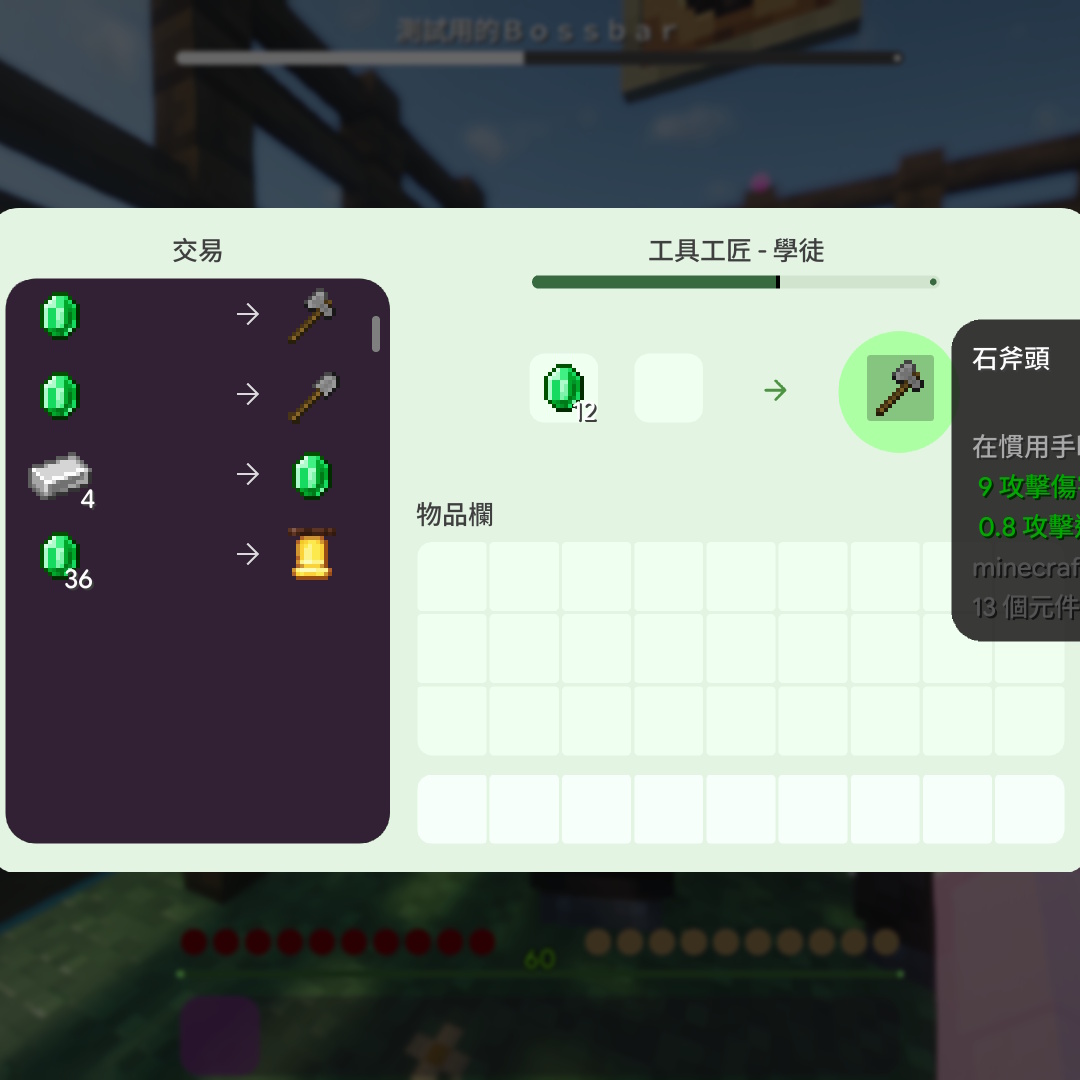
  • 村民交易介面、流浪商人交易介面、馬/驢/騾子物品欄、駱駝鞍具 Villager Trading, Wandering Trader, Horse/Donkey/Mule Inventory, Camel
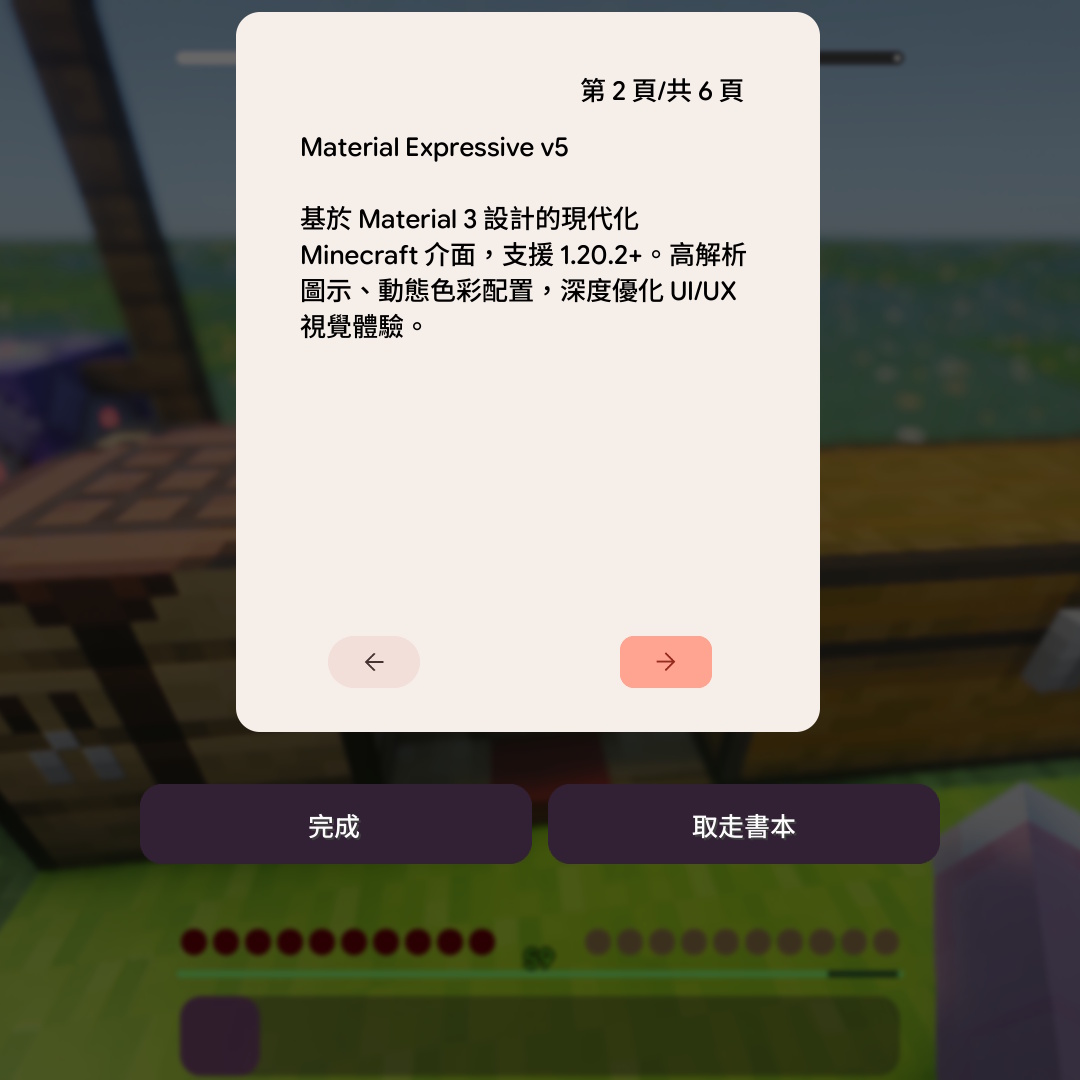
  • 書本 Books
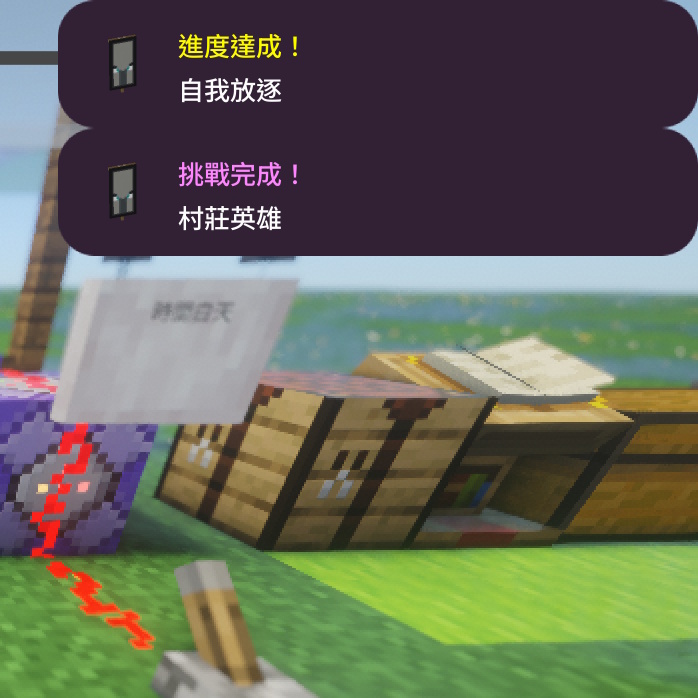
  • 進度達成通知、配方解鎖通知、教學提示、朗讀功能切換提示、資源包錯誤提示 Toasts (Advancements, Recipes, Tutorials, Narrator, Pack Errors)
模組相容 Mod Support
  • InventoryProfilesNext, ModMenu, ChatPatches, ReplayMod, Xaero's World Map, Modern UI, Catalogue, World Play Time, Iris Shaders, Flashback (僅替換圖示), Packed Packs, Distant Horizons

priority_high
注意 Notes

在使用本材質包前,請花幾分鐘閱讀以下說明,以獲得最佳體驗並避免常見問題。

Please read the following instructions for the best experience and to avoid common issues.

  • 純介面材質包 GUI Only Pack
    這是最重要的一點:本材質包只會修改遊戲的圖形使用者介面 (GUI),例如選單、物品欄、按鈕、圖示和字體。它不會改變方塊、物品、生物、盔甲或世界的任何外觀。您可以將它與您喜愛的其他風格材質包疊加使用。 This is crucial: This pack only modifies the Graphical User Interface (GUI), such as menus, inventory, buttons, icons, and fonts. It does NOT change blocks, items, mobs, or armor. You can use it on top of other resource packs.
  • 模組相容性 Mod Compatibility
    本材質包主要針對原版 Minecraft 的介面進行設計。如果您安裝了帶有自訂介面的模組(例如 JEI、AE2、Create 等),這些模組的介面將不會被美化,會保留其預設外觀。關於更多我們已經相容的模組請查看上方的"模組相容" This pack is designed for Vanilla Minecraft. Mods with custom GUIs (like JEI, AE2, Create) will retain their default look unless specifically supported. See "Mod Support" above for a list of compatible mods.
  • 遊戲版本 Game Version
    請務必使用材質包指定的 Minecraft 版本。在不相容的舊版本或新版本上使用,可能會導致介面破損或遊戲閃退等問題。 Please use the specified Minecraft versions. Using it on incompatible old or new versions may cause broken UI or crashes.
  • 建議設定 Recommended Settings
    由於本材質包採用高解析度設計,為了獲得最清晰的視覺效果,根據您的螢幕解析度,通常 2x 或 3x 的縮放能提供最舒適的閱讀和操作體驗。(1x與3x可能會造成圖示出現鋸齒,目前尚未找到解法。) Since this pack uses HD designs, a GUI scale of 2x or 3x usually offers the best experience depending on your screen. (1x and 3x might cause some icon aliasing, currently unsolved).
  • 效能影響 Performance
    雖然這是一款 UI 材質包,但高解析度的介面元素仍可能對規格較低的電腦產生輕微的效能影響。不過,對比完整的世界材質包,其影響非常小。 Although it's just a UI pack, HD elements may slightly affect performance on low-end PCs. However, the impact is minimal compared to full world texture packs.

widgets
其他資訊 Misc Info

使用的設計及字體 Design & Fonts
已測試版本 Tested Versions

1.20.4, 1.20.5, 1.20.6

1.21, 1.21.1, 1.21.2, 1.21.3, 1.21.4, 1.21.5, 1.21.6, 1.21.7, 1.21.8

history 更新日誌 Changelog
查看 View
text_fields 字體調適過程 Font Process
查看 View
download 立即下載最新版本 Download Latest
下載 Get

help
常見問題 FAQ

為什麼某些模組的介面沒有改變? Why are some mod UIs unchanged?

這是正常的,因為本材質包是專為原版 Minecraft 設計的。

每個模組都有自己獨立且獨特的介面檔案。為了美化它們,我們需要為每一個模組單獨製作專用的貼圖。由於模組數量龐大,本材質包目前沒有包含這些模組的專用介面。

因此,您會看到原版遊戲的介面變成了現代風格,而模組的介面則會保留其預設外觀。這並不是一個 Bug。未來我們可能會考慮為一些最熱門的模組相容。 關於更多我們已經相容的模組請查看上方的"模組相容"

This is normal. This pack is designed for Vanilla Minecraft.

Mods have their own unique GUI files. To style them, we would need to create textures for every single mod individually. Due to the vast number of mods, this pack does not currently include them.

So, Vanilla UI looks modern, while mod UIs stay default. This is not a bug. Check "Mod Support" above for compatible mods.

我可以在我的模組包中使用這個材質包嗎? Can I use this in my modpack?

當然可以!我們非常鼓勵您在模組包中使用它,但請遵守以下兩個簡單的原則:

免費發布:您的模組包必須是免費提供給所有玩家的。禁止將本材質包用於任何形式的商業銷售或付費內容中。

註明出處 (Credit):雖然不是強制性的,但如果您能在模組包的說明頁面或感謝名單中,附上本材質包的原始發布頁面連結,我們將不勝感激。這能幫助更多玩家找到我們,也是對創作者最大的支持。

Yes! We encourage it, but please follow two rules:

Free Distribution: Your modpack must be free. Commercial use is prohibited.

Credit: Not mandatory, but appreciated. Please link back to the original page in your description.

它與 OptiFine 或 Sodium 相容嗎? Compatible with OptiFine/Sodium?

是的,完全相容。

本材質包只修改使用者介面 (GUI),例如您的物品欄、選單和按鈕。而 OptiFine 和 Sodium 這類效能模組主要優化遊戲世界的渲染,例如光影、方塊和粒子效果。

因為它們修改的是遊戲的不同部分,所以兩者之間沒有衝突。

Yes, fully compatible.

This pack only modifies the GUI. Performance mods like OptiFine and Sodium optimize world rendering.

Since they touch different parts of the game, there are no conflicts.
thumb_up
為何我們推薦使用這個版本? Why recommend this version?

項目 Item IceCool UI v31 Material UI 3 Material Expressive 5
相容性 Compatibility 1.7~1.16.5 缺少新方塊介面 1.7~1.16.5 Missing new block GUIs 1.16.5~1.20.1 缺少新方塊介面 1.16.5~1.20.1 Missing new block GUIs 1.20.2~1.21.x 完整支援 1.20.2~1.21.x Full Support
完整性 Completeness Good 1.20.2 不相容,僅修改部分 Incompatible with 1.20.2+ 完整,且支援部分模組 Complete, plus mod support
一致性 Consistency 不一致,且舊版有部分多餘材質 Inconsistent 更一致 Consistent 一致 Consistent
優化 Optimization 沒有對不同介面大小優化 No GUI scale optimization 色彩分配 (對比度) 不太合理 Poor contrast/color usage 所有大小優化,並保持正確對比 Optimized for all scales, correct contrast
圖示清晰度 Clarity 在原版有明顯鋸齒 Visible aliasing 高解析度不太細膩 HD texture lacks detail 重製後,在所有尺寸下都更清晰 Clearer at all sizes

image
視覺展示 Gallery

以下預覽皆為材質包版本4.4.0拍攝,不代表最終版本呈現

Previews taken in v4.4.0. Final product may vary.
1.21.4 · 繁體中文 (香港) · 安裝 Modern UI、Iris、InventoryProfilesNext、ModMenu 模組

互動 Interaction
主畫面 Main Menu
物品欄與HUD (With Re-Color Variant) Inventory & HUD (With Re-Color Variant)
功能方塊 GUI 與其他 (With Re-Color Variant) Functional Blocks GUI and Others (With Re-Color Variant)